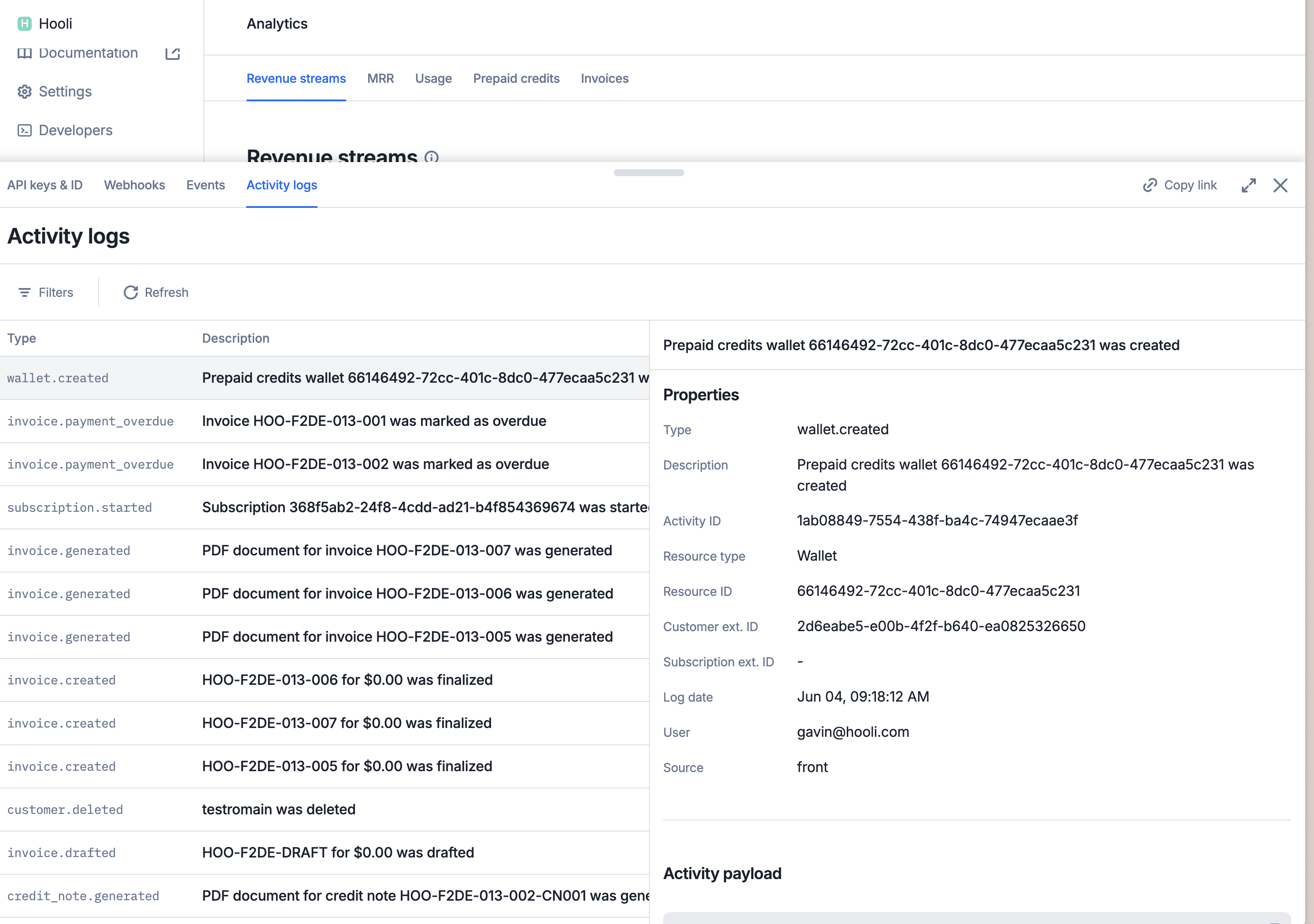
The audit logs enable organization admins to efficiently track member activity, providing detailed records of who performed each action, what was done, and when it occurred.
Activity logs provide a record of actions initiated within your organization, including actions performed through the UI, via the API, or triggered automatically by the system (e.g., automated billing operations).
You can filter activity logs, either through the UI or via the API, on the log date (from_date and to_date), the activity type (activity_types), the source (activity_sources), the user (user_emails), the customer (external_customer_id), the subscription (external_subscription_id), the resource (resource_ids) and the resource type (resource_types).
In the UI, you can view activity logs for a specific object by clicking on the desired object (e.g., a specific customer, plan, invoice, etc.), and access the Activity Logs tab.
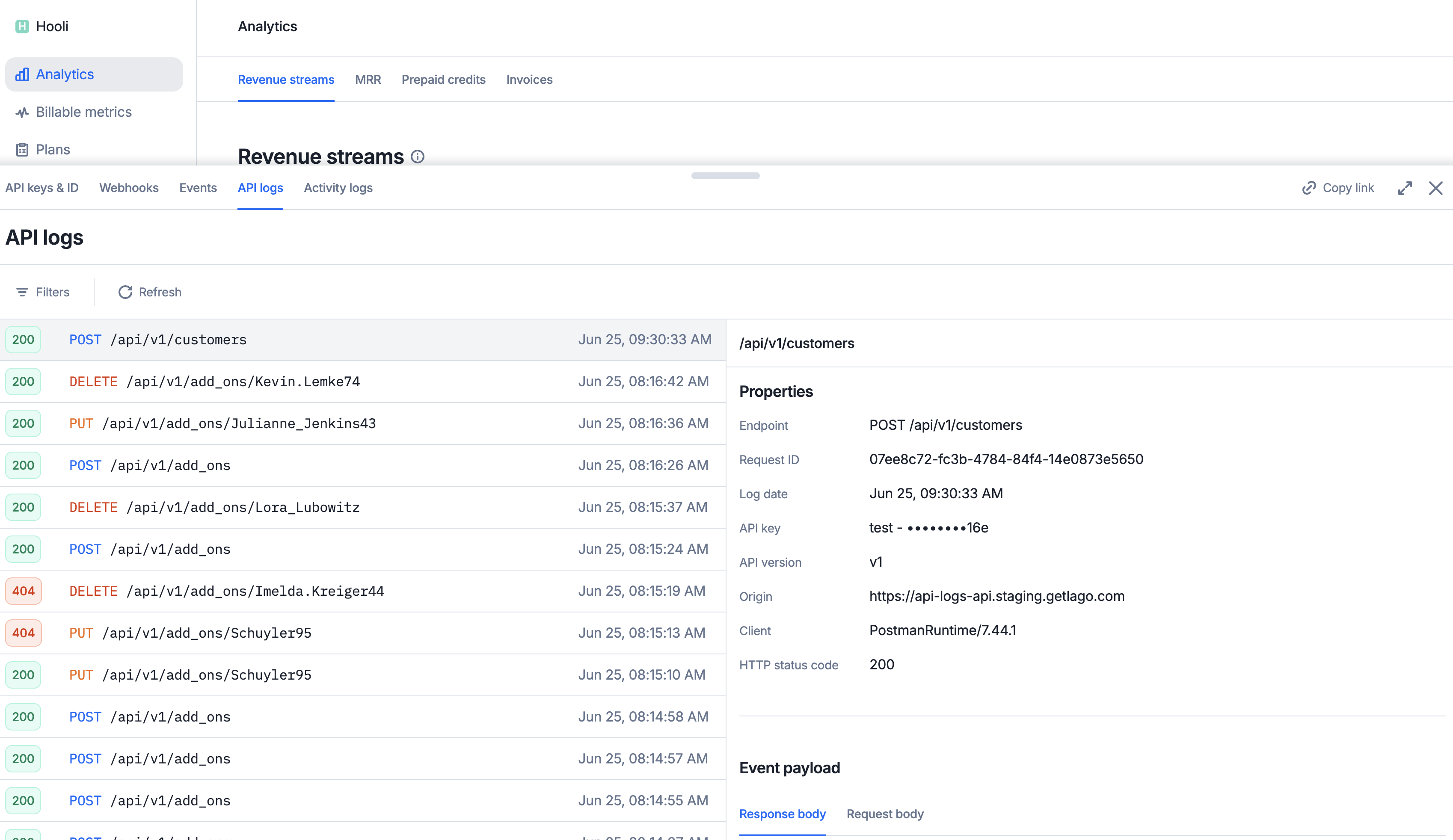
API logs offer a comprehensive record of all API requests and calls made within your organization. They serve as an essential tool for monitoring activity, troubleshooting issues, and auditing system usage.
Operation scope: Only POST, PUT, PATCH, and DELETE requests are currently recorded in the API logs. All GET requests are excluded at this time.
Excluded endpoints: API calls related to metering and high-throughput ingestion, such as POST /api/v1/events or POST /api/v1/events/batch, are intentionally omitted from logging to ensure performance and scalability.
You can filter API logs, either through the UI or programmatically via the API, on the log date (from_date and to_date), the request method (http_methods), the HTTP status code (http_statuses), the API version (api_version), the endpoint path (request_paths) and the client (clients). Here are some key filtering behaviors to note:Exact Path Matching: Supplying a full, exact path (e.g., /api/v1/customers) will return only requests made to that specific endpoint. It will not include requests to extended paths like /api/v1/customers/123.Wildcard Path Matching: You can use wildcard patterns (e.g., /api/v1/customers/*) to match all sub-paths related to a resource. This is useful for retrieving all activity tied to specific objects or nested routes.