Pricing & Monetization
Lago vs Chargebee: Choose Billing for the Product You Will Sell Next

Anh-Tho Chuong•Oct 15•4 min read
Oct 30, 2025
/2 min read
Anh-Tho Chuong
Share on


The best billing system for a SaaS business is the one that produces the right invoice after your pricing changes, usage arrives late, and a customer negotiates an exception. A feature checklist cannot prove that. Give every vendor the same customer scenario and ask them to run it live.
This buyer's guide is a demo script. Bring an engineer, someone from finance, and the person who owns pricing. Score the output, not the presentation.
Ask the vendor to configure your base subscription, included usage, overage rate, discount, and one negotiated customer override. Change a price without redeploying your product. Check whether the old contract keeps its agreed terms while new customers receive the new rate. Lago supports subscription and usage charges in one plan, with customer-specific terms; see its usage-based billing workflow.
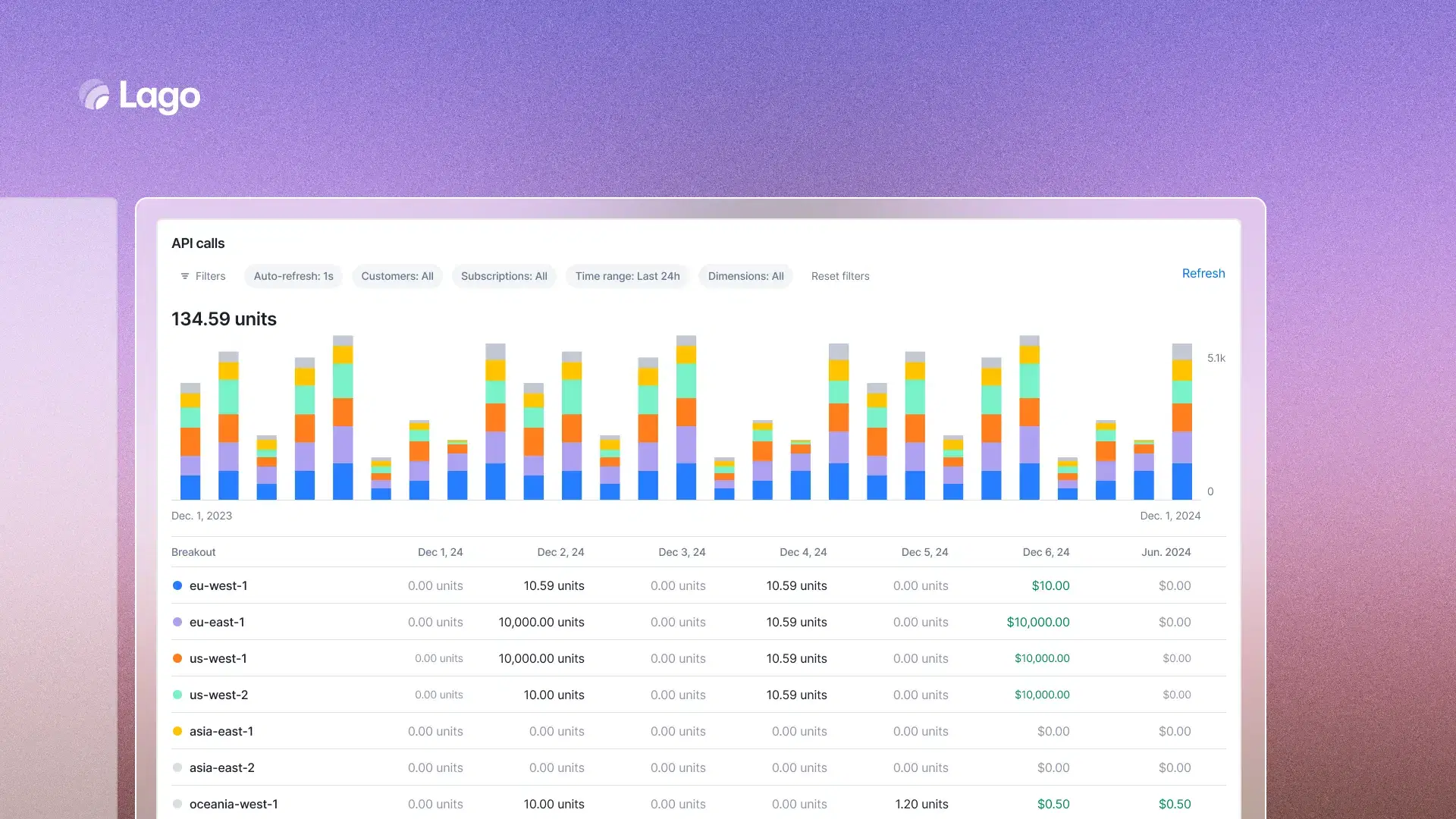
Send a small set of real-shaped events. Include one duplicate, one missing property, one late event, and one correction. Ask how the system rejects, records, or bills each case. The transaction ID, metric code, aggregation rule, and price should be visible. A successful API response is only the beginning of this test.
Pick an invoice line and ask for the events, metric calculation, rate, credits, taxes, and adjustments behind it. Finance should be able to reconcile the number; support should be able to explain it. Test both a normal month and a mid-cycle plan change. Lago's billing and invoicing overview shows how subscription and usage charges come together.
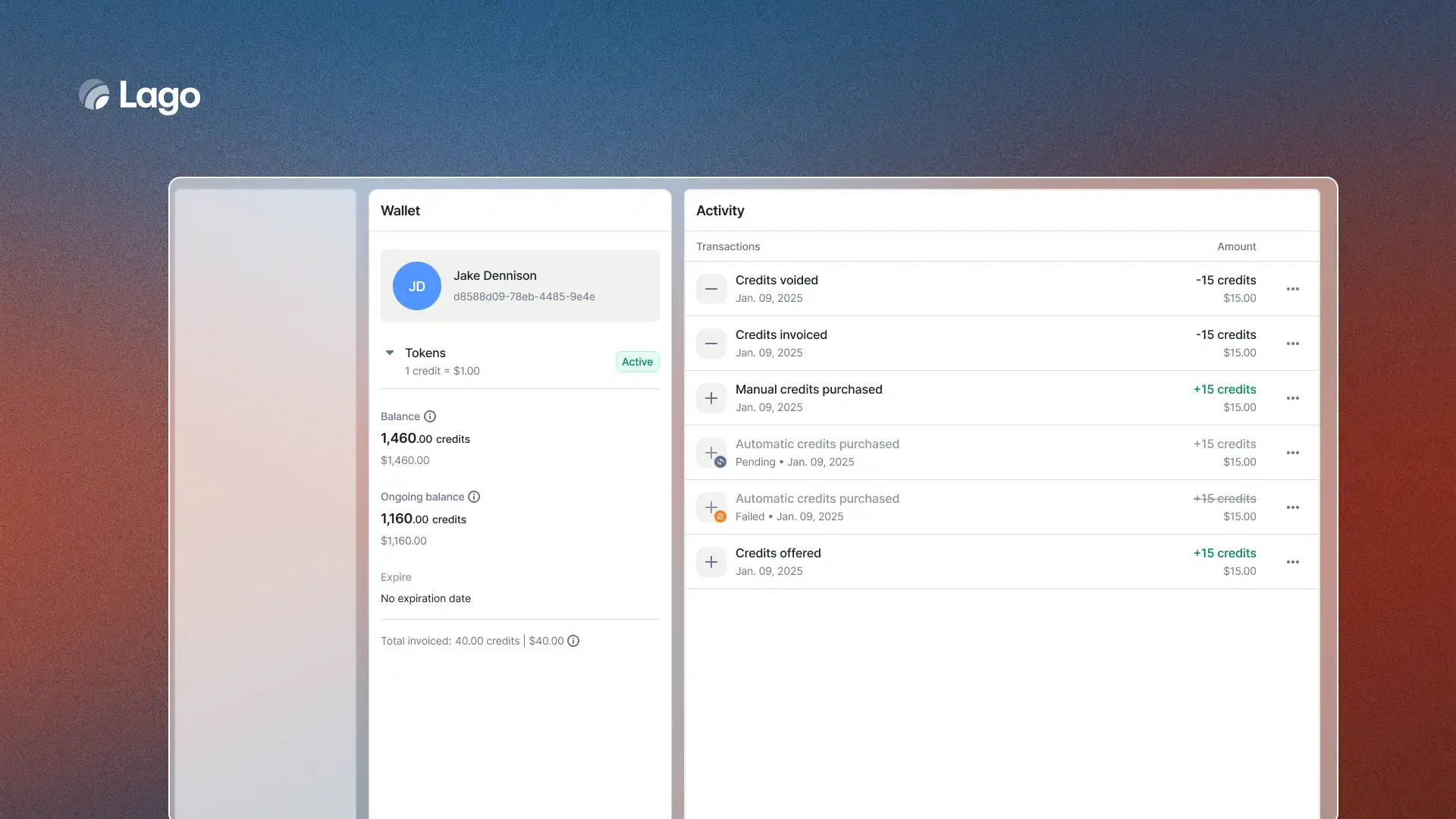
If you sell prepaid credits, buy some, grant promotional credits, fail a paid top-up, and exhaust the balance. Ask when purchased credits become usable and what the customer sees while an invoice is still a draft. Compare the wallet ledger with the invoice. Do not assume the billing provider will stop access; your application may need to enforce that rule. See Lago credits and spend control.
Use your actual payment provider and simulate a failed collection. Who owns retries and customer communication? How does the invoice status reach your product and finance stack? Test a refund or credit note and inspect what changes in the ledger. Payment collection, billing, and accounting are different responsibilities even when one vendor offers all three.
List the customer IDs, CRM fields, payment data, tax service, accounting destination, and warehouse events that must survive a migration. Ask the vendor to map them. Check regional API endpoints, signed webhooks, export formats, and permissions. Lago's developer hub documents its API, SDKs, and webhooks.
Import a customer with an active subscription, a balance, and a negotiated rate. Run the old and new systems against the same period, then compare invoices line by line. Ask how you will handle historical invoices, open credits, and a rollback. A low setup estimate means little until these edges have an owner.
Compare the full cost: platform fees, event volume, payment processing, support, implementation, and the engineers needed to maintain exceptions. If you self-host, include upgrades, monitoring, backups, and incident response. Decide who can change pricing and who approves it. That operating model is part of the purchase.
For a broader build-versus-buy framework, read How to Choose a Billing Platform. For this evaluation, keep one rule: do not sign on the basis of a slide showing a feature that no one has tested with your contract and usage.

Anh-Tho Chuong
Anh-Tho Chuong is the co-founder and CEO of Lago, the open-source billing platform. She writes about pricing, business models as code, and using product as a monetization lever.
Share on