













 Frontier AI
Lago has been able to follow the pace of our releases and has allowed us to focus on what we do best.

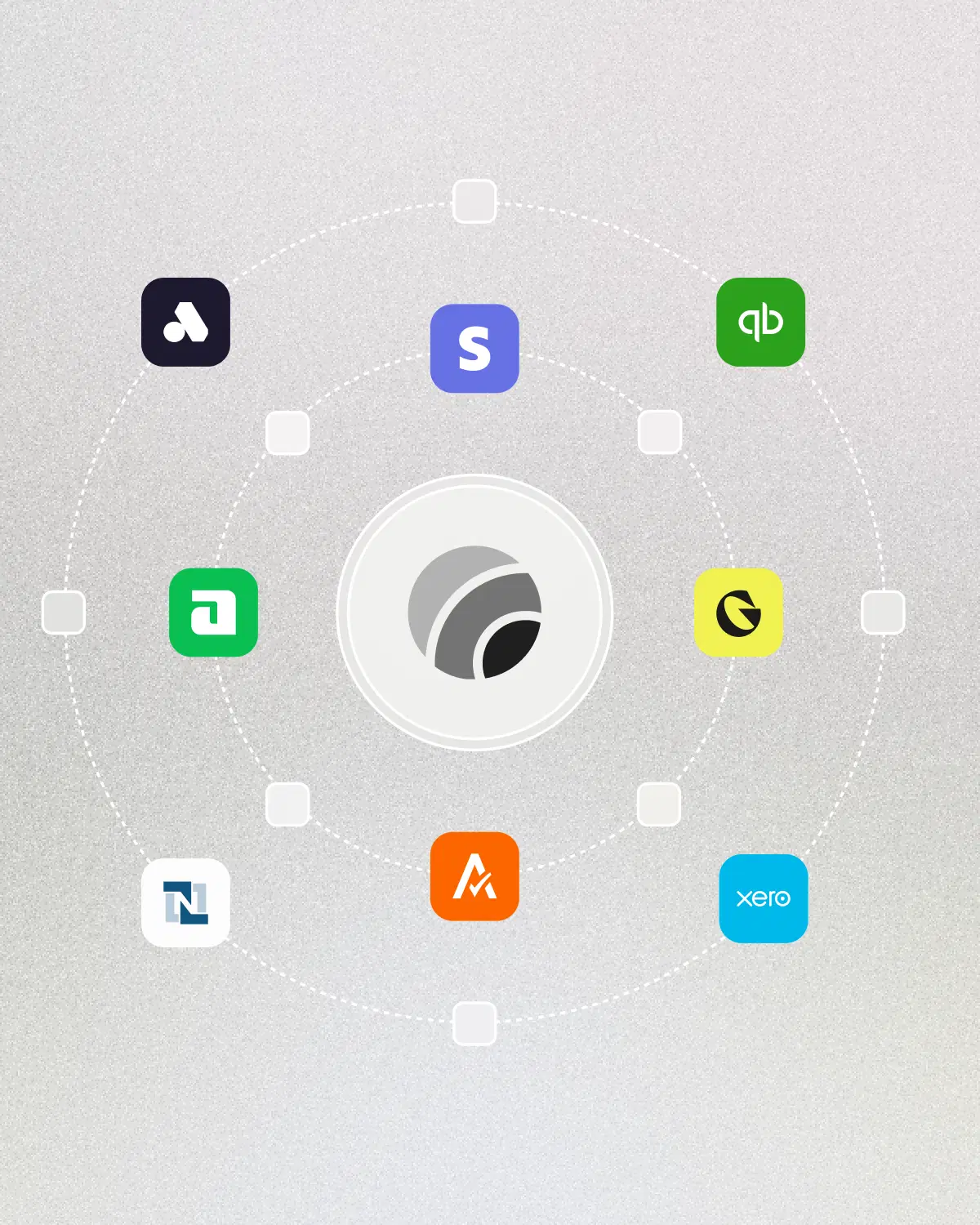
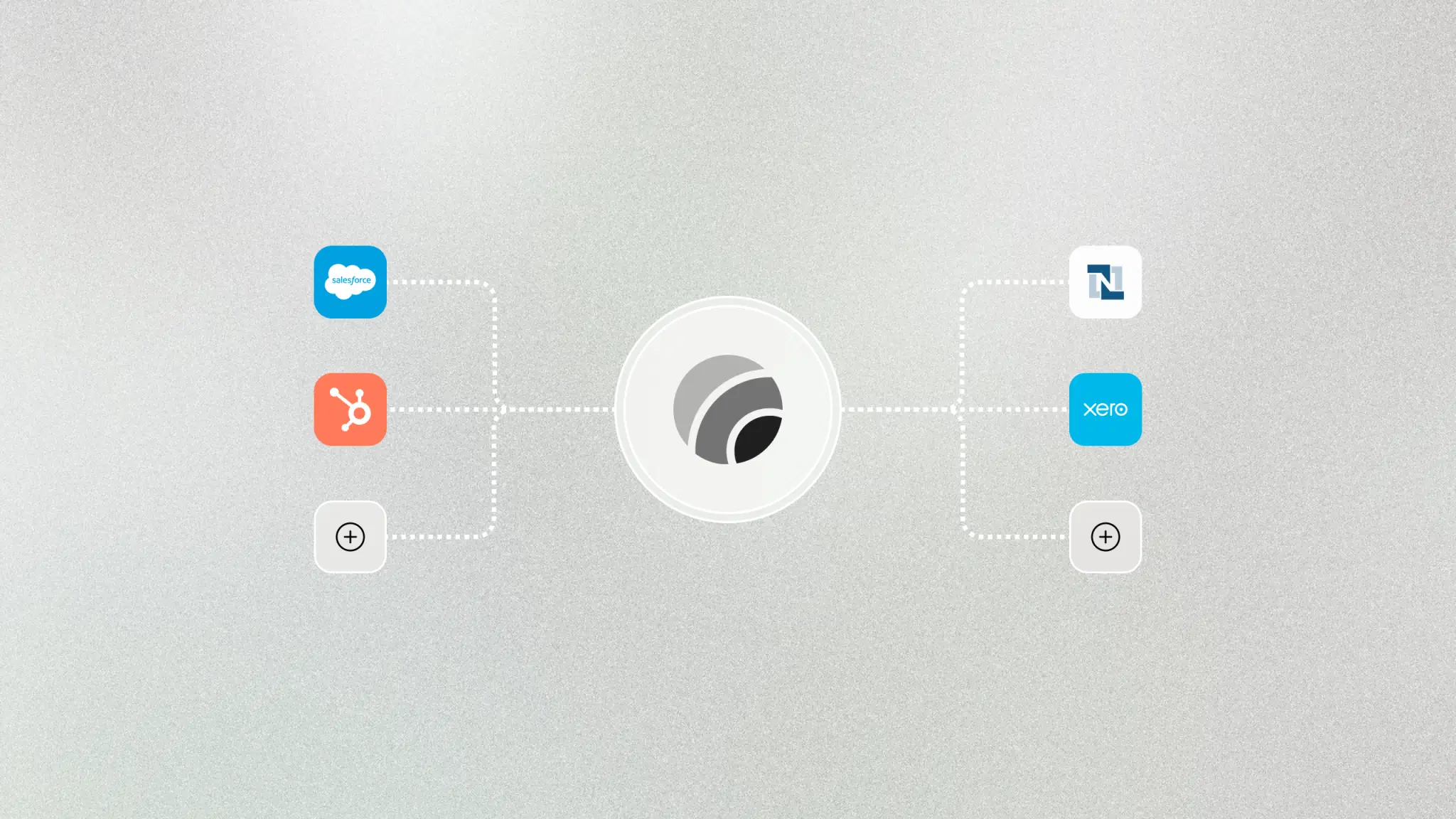
Lago unites billing data across self-serve and sales-led. Use integrations to surface accurate data to your tools.
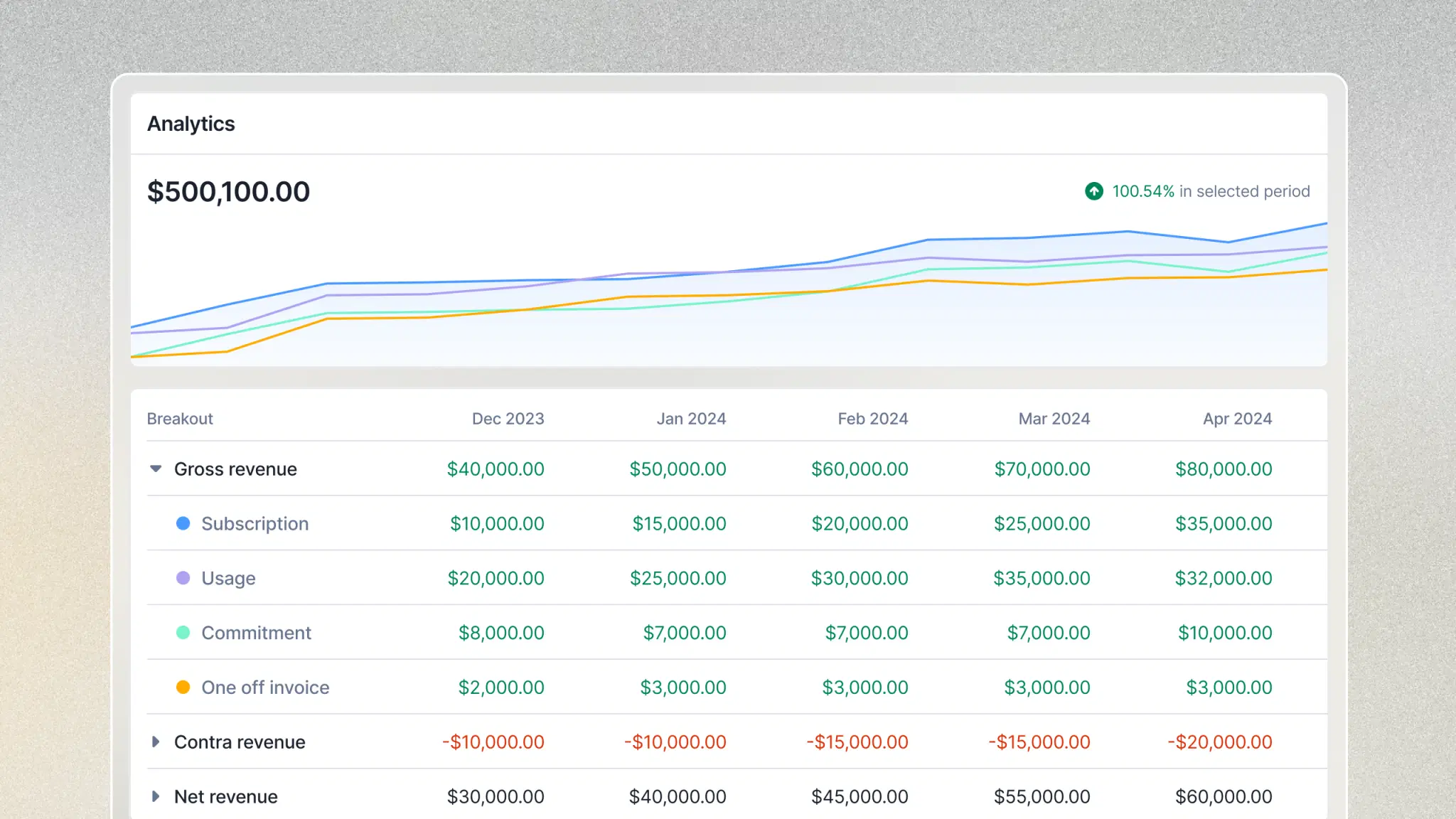
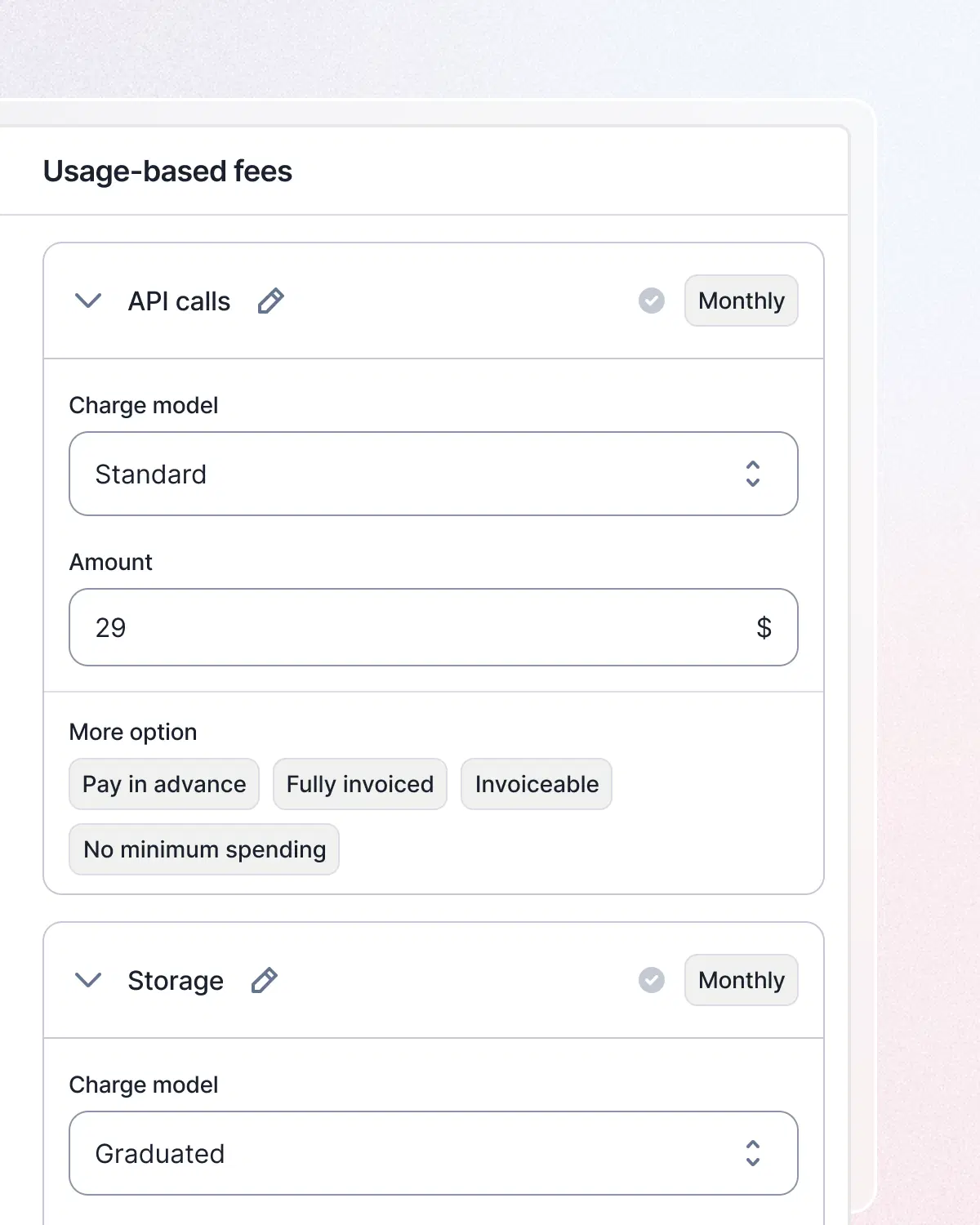
Customize deals, update pricing and packaging, and perform any other billing actions from Lago’s visual interface.
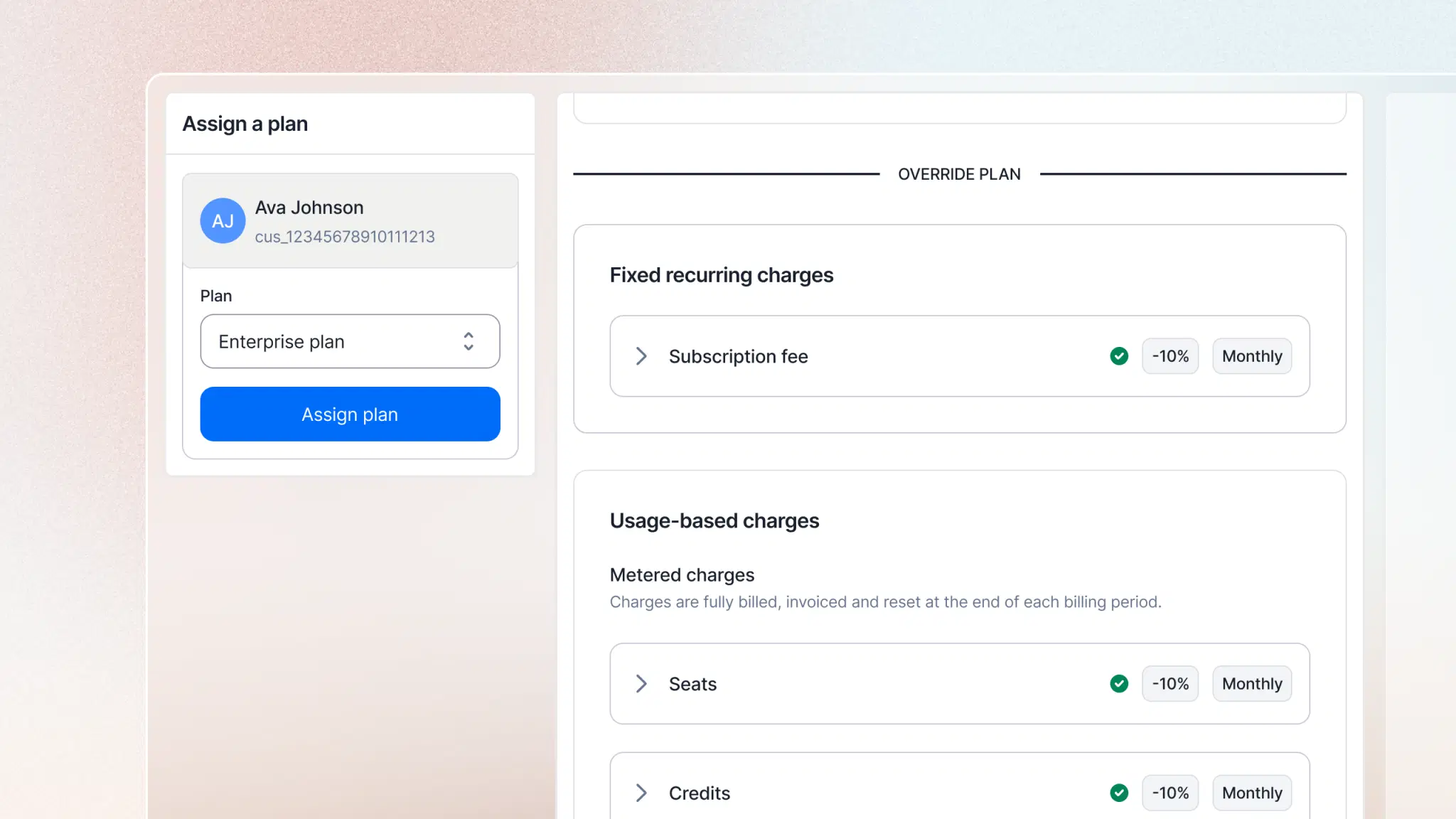
Accelerate quote-to-cash with Salesforce and HubSpot integrations. Contract overrides mean you never reconcile data manually.
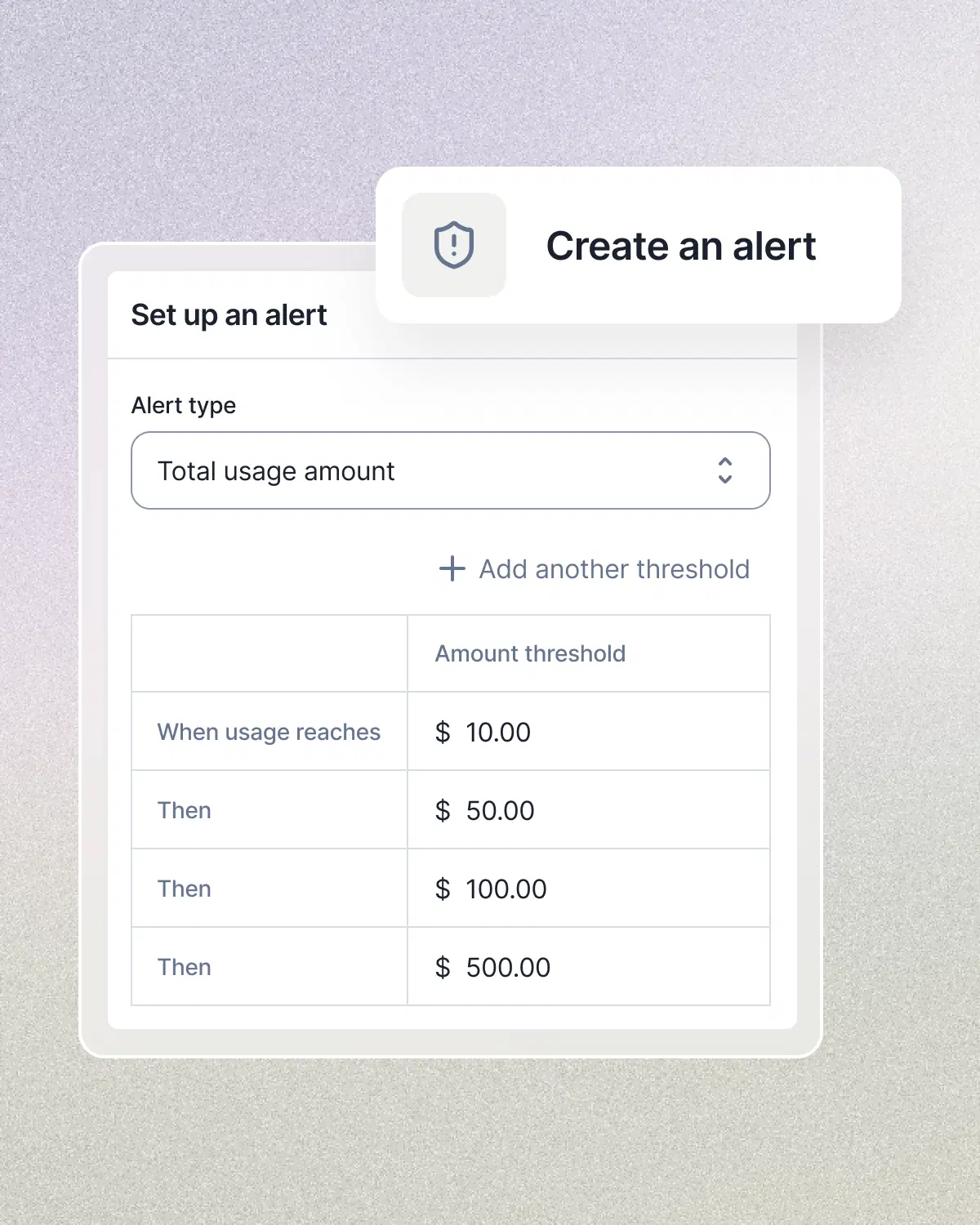
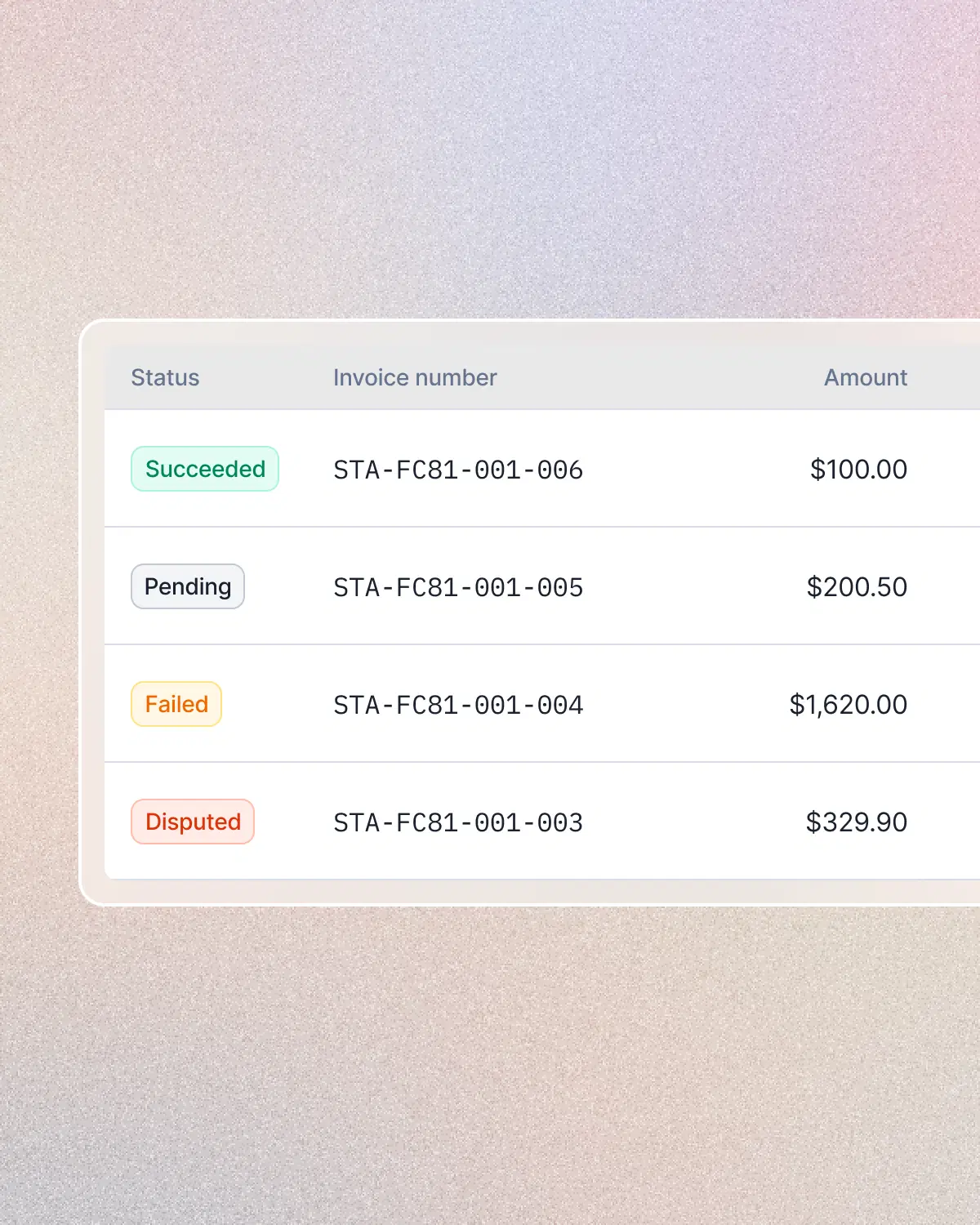
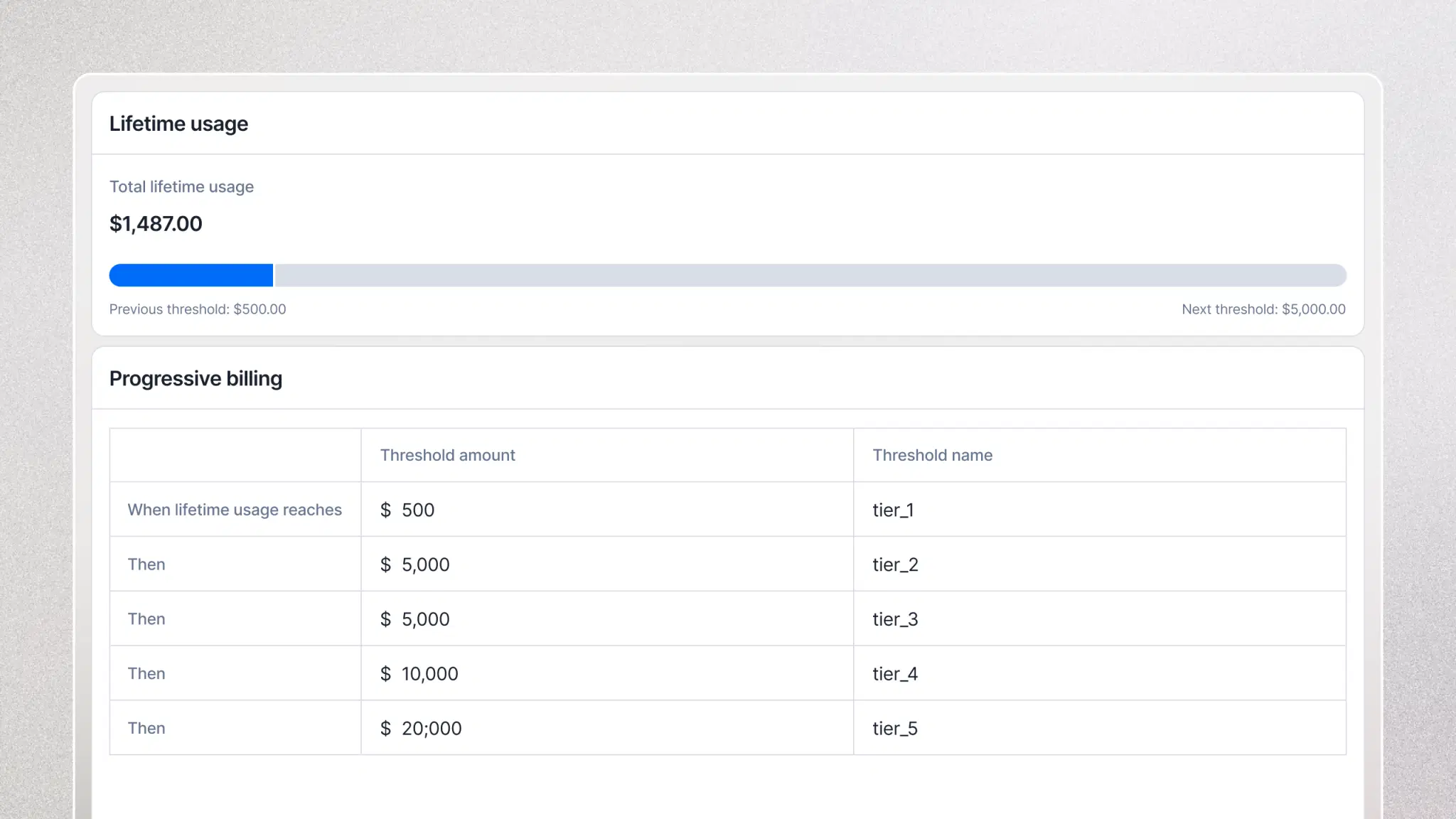
Create usage alerts, set up automated payment retries and gain real-time visibility into usage, revenue and billing data.
Get the insights you need faster, then distribute them across the team.
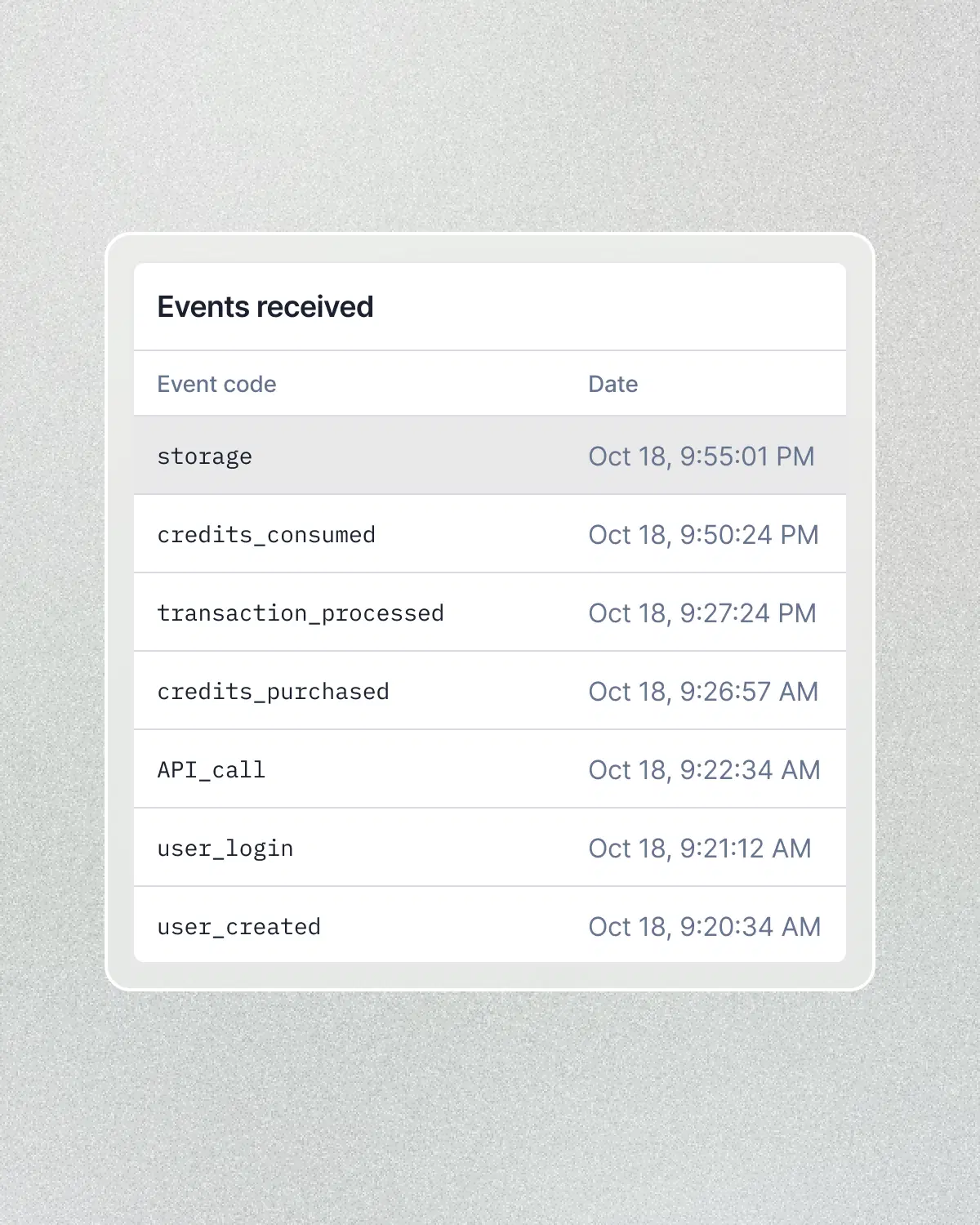
Billing is mission-critical. Lago is engineered for the realities of high-volume enterprises.
See how ambitious teams build and scale their billing with Lago.
Frontier AILago has been able to follow the pace of our releases and has allowed us to focus on what we do best.
Yes. Lago’s ongoing wallet balance typically refreshes in under a second after a new event is included in usage. It reflects remaining prepaid credits after current usage, including taxes.
Use this live balance in customer dashboards and configure balance alerts and automatic top-ups.
Yes. Customize subscription fees, usage rates, minimum commitments and billing thresholds for each customer’s subscription while keeping a shared plan structure.
Lago applies those negotiated terms when calculating charges and generating invoices.
No. Lago Cloud is a fully managed billing platform. Lago handles hosting, scaling, upgrades and monitoring. Your team connects customer and usage data, configures pricing and connects your payment and finance tools.
Self-hosting is also available if you prefer to operate Lago in your own environment.
Your CRM manages the sales workflow. Lago manages billing terms, usage and invoices, your payment provider collects funds, and your ERP maintains accounting records. Use Lago’s integrations to connect the records needed by each team.
The NetSuite bundle includes processing queues for dependent work and records that link transactions back to Lago. Review the failed operation, correct its mapping or missing dependency, and use the integration’s documented recovery workflow.
Yes. Set a grace period for end-of-period invoices so your team can review them in draft.
Add missing usage or fees, adjust amounts or unit counts, and refresh the draft before finalization.
Yes. Configure Lago’s ongoing balance alerts to trigger a restriction in your application when credits reach your chosen threshold. Your application enforces access using those alerts and its own request checks.
You can also set earlier thresholds to warn customers and prompt them to top up before their credits run out.