

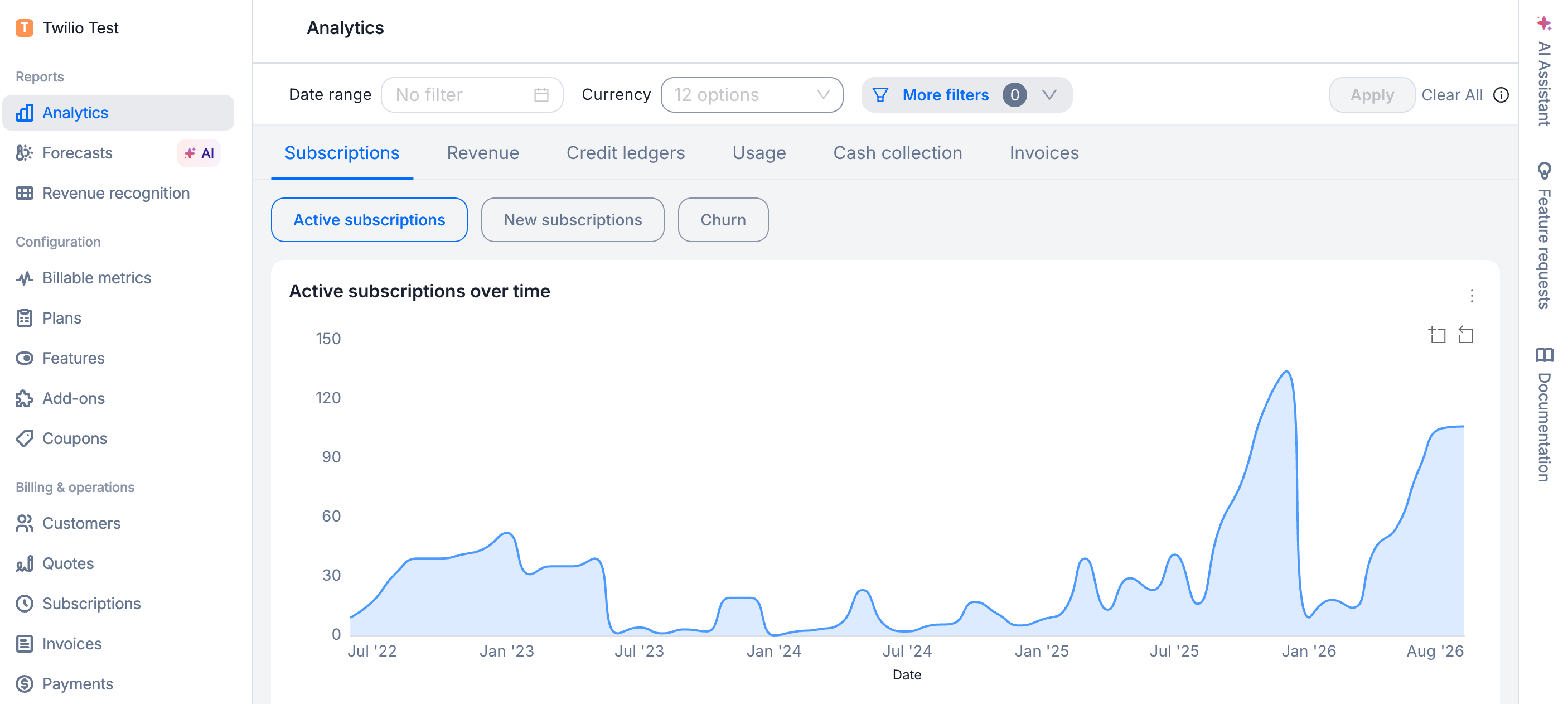
Analytics reports in Lago
The reports
Subscriptions
How many subscriptions you have, how many you added, how many you lost.
Revenue streams
What you charged, what you gave back, what you kept.
MRR
Your recurring run rate, and what moved it up or down.
Credit ledgers
Credits bought, granted, spent, and what customers still hold.
Usage
What customers consumed, including consumption not yet invoiced.
Cash collection
Payment attempts, why they fail, and what dunning recovers.
Invoices
What you invoiced, what state it is in, and what is overdue.
Forecasted usage
A projection of what your customers will consume next year.
How to read a number
Every chart shows one of three kinds of value. Each report page labels its charts this way.
Charts also behave in one of three ways. That tells you what a single point covers, and what changing the date range does to it.
Currency
Lago reports every amount in the currency you billed in. It never converts one currency into another.When the numbers update
The numbers update once a day, overnight. An invoice you finalize today shows up tomorrow. For a same-day check, use the invoice and subscription views in the app instead.Who is left out
Two groups are excluded from the revenue reports, on purpose:- Partner accounts are left out of Revenue streams, MRR and Usage. They are still counted on Subscriptions, Credit ledgers, Cash collection and Invoices.
- Self-billed invoices, the ones you issue on a partner’s behalf, are left out of Revenue streams. They still appear on Invoices.
Exports and extensions
Any chart or table exports to CSV, JSON or Excel, with your filters applied, so the file matches the screen. You can also add your own charts on top of the same numbers, for board reporting or a customer deep dive. And your engineering team can pull the same numbers through the Lago API.Not the same as revenue recognition
These reports show billing activity: what you invoiced, collected, consumed and committed. Revenue recognition shows earned revenue, spread across the periods you actually deliver the service in.
The two will not match line for line. That is expected, not a reconciliation problem.