Getlago

How Lago works

From signup to revenue, one billing system of record

Follow one customer through signup, contract, usage, invoice, payment, accounting and reporting, and see which tool does each job.

Connect the tools you already run

  • SalesforceCRM
  • HubSpotCRM
  • AnrokTax
  • AvalaraTax
  • NetSuiteAccounting
  • XeroAccounting
  • StripePayments
  • AdyenPayments
  • GoCardlessPayments
  • MoneyHashPayments
  • SnowflakeData
  • DatabricksData
  • Amazon S3Data
  • AirbyteData
  • SegmentData

One customer, seven steps.From signup to the revenue report.

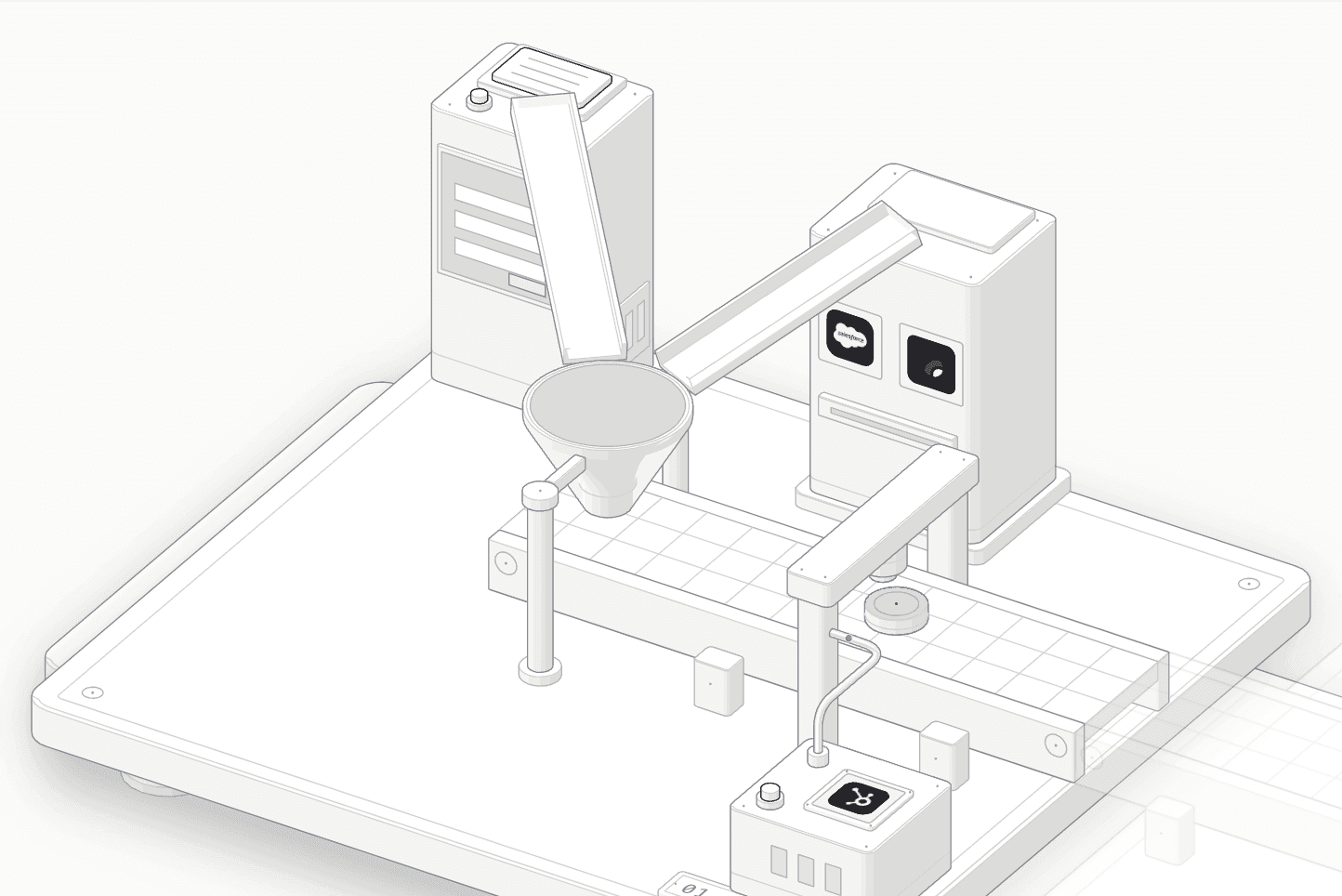
Follow one customer through the stack, and see which system does each job. The model moves to the step you are reading.

  1. 01 / 07

    Signup

    A customer reaches Lago through one of two doors. Self-serve, your app calls the Lago API at signup. Enterprise, the deal closes in Salesforce or a signed Lago quote is executed. Both end as one customer record.

    • Salesforce
    • HubSpot
    • Lago Quotes
    Self-serve, from your app
    One API call with your own external_id creates the customer. Lago can create the matching customer at your payment provider in the same call.
    Enterprise, from the deal
    The Salesforce package can create the customer from an Account and assign a plan when an opportunity closes. Lago Quotes turns a signed order form into a subscription.
    Your CRM stays current
    HubSpot and Salesforce receive customers, subscriptions and invoices from Lago in real time. HubSpot sync runs one way, from Lago to HubSpot.
    1customer record
    Whichever door the customer came through
    2origins
    Your app, or a closed deal
    1API call
    Customer in Lago and at the payment provider
  2. 02 / 07

    Contract

    A plan is assigned to the customer and becomes a subscription. The plan is shared. The deal terms are set per customer, on top of it.

    • Lago
    Plan or custom price
    Assign a standard plan, or override its subscription fee, charges, minimum spend, taxes, trial and progressive billing thresholds for one customer.
    Commitments and prepaid credits
    Set a minimum commitment per billing period. Lago adds a true-up fee if spend falls short. Prepaid credits sit in a wallet the invoices draw from.
    Same model for every deal
    Self-serve signups and negotiated contracts become the same subscription object, so invoicing, usage and reporting treat them alike.
    11overridable terms
    Per customer, on top of the shared plan
    0plan copies
    Overrides stay linked to the original plan
    1true-up fee
    When spend falls short of the commitment
  3. 03 / 07

    Usage

    Your product sends usage events, keyed to the subscription. Lago aggregates them into billable usage as they arrive.

    • Kafka
    • AWS Kinesis
    REST, single or batch
    Send one event or batches of up to 100 per request. A batch is validated event by event, then accepted or rejected as a whole.
    Streaming sources
    Kafka, Amazon Kinesis, S3 and other configured sources feed the same pipeline, for volumes beyond what an HTTP client should carry.
    Usage, live
    Current usage and wallet balances include events seconds after they land. The ingestion walkthrough follows one event step by step.
    100events/batch
    Accepted or rejected as a whole
    1–3Mevents/sec
    Kafka/Redpanda + ClickHouse Cloud load test
    < 2s p99
    From event to billable
  4. 04 / 07

    Invoice

    At the end of the billing period, or when a progressive billing threshold is crossed, Lago builds the invoice from fees. Discounts, tax and credits are applied in a fixed order.

    • Anrok
    • Avalara
    Coupons, then tax
    Coupons come off the subtotal before tax. Tax is calculated on what is left.
    Tax from your provider
    With Anrok or Avalara connected, Lago sends draft invoices for an estimate and records the final transaction when the invoice is finalized. Without a provider, Lago applies the tax rates you configure.
    Credits, after tax
    Credit notes are deducted from the subtotal including tax, then prepaid credits from the wallet. What remains is due.
    Pre-taxcoupons
    Discounts reduce the taxable amount
    2tax steps
    Estimate on draft, final on finalization
    Post-taxcredits
    Credit notes, then prepaid credits
  5. 05 / 07

    Payment

    A finalized invoice is sent to the customer's payment provider for collection. The provider reports the payment status back to Lago, and the invoice is marked paid or failed.

    • Stripe
    • Adyen
    • GoCardless
    • MoneyHashCommunity
    Your processor, not ours
    Stripe, Adyen and GoCardless are official integrations. Community connectors and a custom integration path cover other processors. Each customer is linked to one provider connection.
    Status comes back by webhook
    The provider notifies Lago when a payment succeeds, fails or needs authentication. Lago updates the invoice and sends its own webhook to your app.
    Failures have a path
    Retry collection on one invoice or in bulk. Dunning campaigns group overdue invoices into a payment request and retry on a schedule you set.
    3official providers
    Plus community and custom connectors
    1payment request
    Per currency, for all overdue invoices
    0processor lock-in
    Pricing and invoices live in Lago, not the processor
  6. 06 / 07

    Accounting

    Invoices, credit notes and payments are written to your ERP as they happen. The general ledger stays in the ERP. Lago is the source of the billing entries.

    • NetSuite
    • Xero
    NetSuite
    Customers, invoices, credit notes and payments sync from Lago. Credit notes become credit memos applied to the original invoice.
    Xero
    Customers and invoices sync from Lago, with credit notes and payments as options. Connect several Xero organizations if you run more than one.
    Mapped, not retyped
    Plans, charges, taxes and coupons map to your items and accounts once. Every invoice line then lands on the right account.
    4object types
    Customers, invoices, credit notes, payments
    1direction
    Lago writes to the ERP
    Autocredit memos
    Applied to the original invoice in NetSuite
  7. 07 / 07

    Report

    Billing data feeds three places: revenue analytics in Lago, revenue recognition, and your own warehouse and systems.

    • Snowflake
    • Databricks
    • Amazon S3
    Revenue analytics
    MRR, revenue streams, usage and cash collection, computed from the invoices Lago issued. The numbers refresh once a day.
    Revenue recognition, private beta
    Recognized and deferred revenue, a revenue waterfall and journal entries, built from invoices, usage and credit notes.
    Your warehouse and systems
    The Data Pipeline syncs billing tables to Snowflake, Databricks, S3 and other destinations. Webhooks push every billing event to your app.
    Dailyrefresh
    Revenue analytics
    15min
    Fastest Data Pipeline sync
    10webhook endpoints
    Signed with HMAC or JWT

Billing in the middle, everything else connected

One source of truth for billing

Customers, subscriptions, usage, invoices and credit notes live in Lago. The CRM, processor and ERP read the same records.

Payment-processor agnostic

Pricing and invoices stay in Lago. Stripe, Adyen, GoCardless or another processor collects the payment.

Open source and self-hostable

Run Lago in your own cloud or use Lago Cloud. The billing logic is code you can read.

One call connects the stack

Create the customer from your app. Lago links it to your payment provider and your ERP in the same request.

Create a customer from your signup flow:

curl -s -X POST "$LAGO_API_URL/api/v1/customers" -H "Authorization: Bearer $LAGO_API_KEY" -H "Content-Type: application/json" -d '{"customer":{"external_id":"cus_8832","name":"Acme Inc","currency":"USD","billing_configuration":{"payment_provider":"stripe","payment_provider_code":"stripe-us","sync_with_provider":true},"integration_customers":[{"integration_type":"netsuite","integration_code":"netsuite-us","sync_with_provider":true,"subsidiary_id":"2"}]}}'

One customer in Lago, linked to its Stripe customer for payments and its NetSuite customer for accounting.

{
  "customer": {
    "external_id": "cus_8832",
    "name": "Acme Inc",
    "currency": "USD",
    "billing_configuration": {
      "payment_provider": "stripe",
      "payment_provider_code": "stripe-us"
    },
    "integration_customers": [
      {
        "type": "netsuite",
        "integration_code": "netsuite-us",
        "subsidiary_id": "2"
      }
    ]
  }
}

Who does what

Lago is the billing system of record. Your CRM, processor and ERP keep doing what they are good at.

Customer creation
System of recordYour app for self-serve signups. Your CRM for sales-led deals.
Lago's roleKeeps the billing customer under your external_id, and can create it at the payment provider and in the ERP.
Contract
System of recordYour CRM for the deal. Lago Quotes when the quote is built in Lago.
Lago's roleTurns the terms into a subscription: plan, overrides, minimum commitment, prepaid credits.
Metering
System of recordLago
Lago's roleIngests usage events and aggregates them per subscription in real time.
Tax
System of recordAnrok or Avalara, which are built for tax compliance. Lago tax rates when no provider is connected.
Lago's roleSends draft and final invoices for calculation and applies the result.
Invoicing
System of recordLago
Lago's roleBuilds, finalizes and numbers invoices and credit notes, with coupons, tax and credits applied.
Payment
System of recordStripe, Adyen, GoCardless or another processor, which move the money.
Lago's roleRequests collection, tracks the status, and runs retries and dunning.
Accounting
System of recordNetSuite or Xero, which keep the general ledger.
Lago's roleSyncs customers, invoices, credit notes and payments as they happen.
Revenue recognition
System of recordYour ERP, from the synced billing documents.
Lago's roleLago's own revenue recognition is in private beta: recognized and deferred revenue from billing data.
Analytics
System of recordYour warehouse for company-wide reporting.
Lago's roleRevenue analytics in Lago, and billing tables synced to Snowflake, Databricks, S3 and more.

How Lago works FAQ

Do I need a CRM to use Lago?

No. A self-serve product can create customers from its own signup flow with one API call. A CRM matters for sales-led deals: the Salesforce package can create customers and assign plans from Salesforce, and Lago Quotes can turn a signed order form into a subscription. HubSpot receives customers, subscriptions and invoices from Lago, in one direction.

Can I keep Stripe as my payment processor?

Yes. Lago builds and finalizes the invoice, and Stripe collects the payment. Lago can create the matching Stripe customer when it creates the customer, and the payment status comes back to Lago by webhook. Adyen and GoCardless are the other official payment integrations.

Who calculates tax on Lago invoices?

Your tax provider, if you connect one. With Anrok or Avalara, Lago sends draft invoices for an estimate and records the final transaction when the invoice is finalized, and the provider's result overrides the tax rates set in Lago. Without a provider, Lago applies the tax rates you configure on the billing entity, customer, plan or charge.

Where does revenue recognition happen?

Usually in your ERP, from the invoices, credit notes and payments Lago syncs to NetSuite or Xero. Lago also has its own revenue recognition, in private beta, which builds recognized and deferred revenue, a revenue waterfall and journal entries from billing data.

Can self-serve and enterprise customers live in the same system?

Yes. Both become a customer with a subscription in Lago. Enterprise deals add what the contract says: plan overrides, minimum commitments, prepaid credits and a quote. Invoicing, payments, accounting sync and reporting then treat every customer the same way.

Does Lago replace my CRM, processor or ERP?

No. Lago is the billing system of record: customers' billing data, subscriptions, usage, invoices and credit notes. Your CRM keeps the pipeline, your processor moves the money and your ERP keeps the general ledger. Most of these connectors are premium add-ons; a custom integration path covers the rest.

Related reading

Each step of the stack, in depth.

Put billing at the center of your stack.