


 Heading 1
 Pricing
 Credits
 Discounts













 Frontier AI
Lago has been able to follow the pace of our releases and has allowed us to focus on what we do best.

Quotes
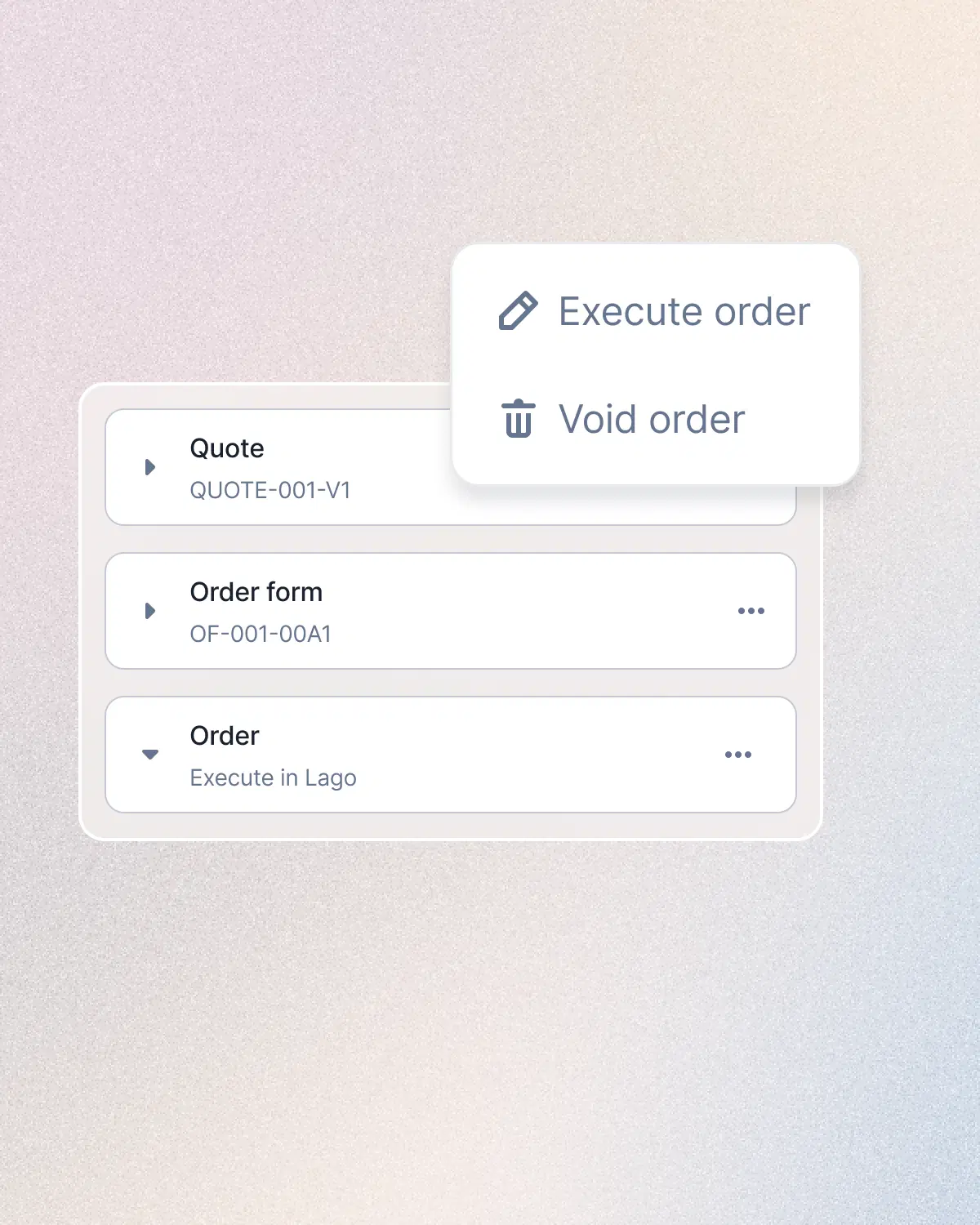
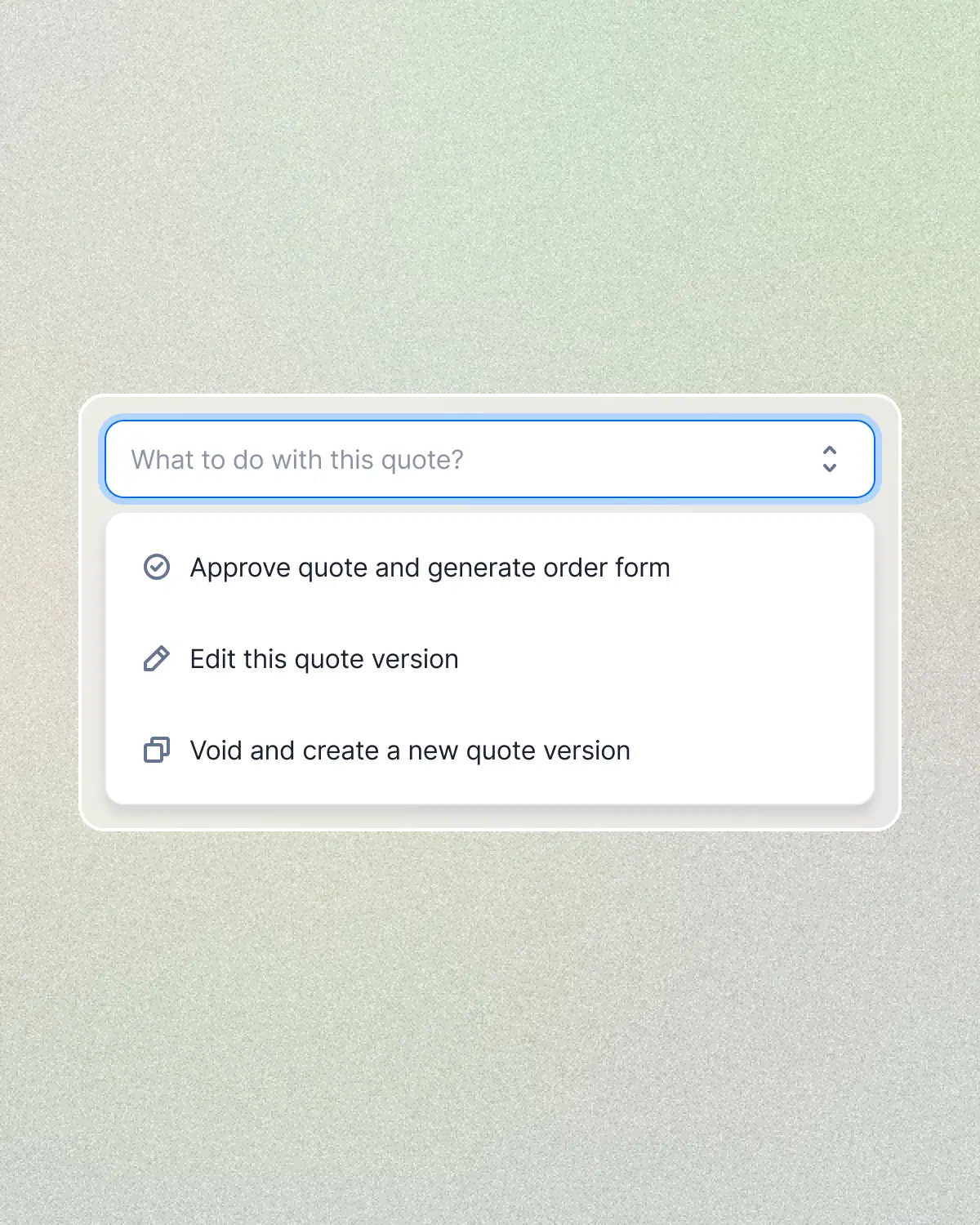
Approve the quote into a locked order form, use your existing signature workflow, then carry the signed terms into billing without retyping the deal.
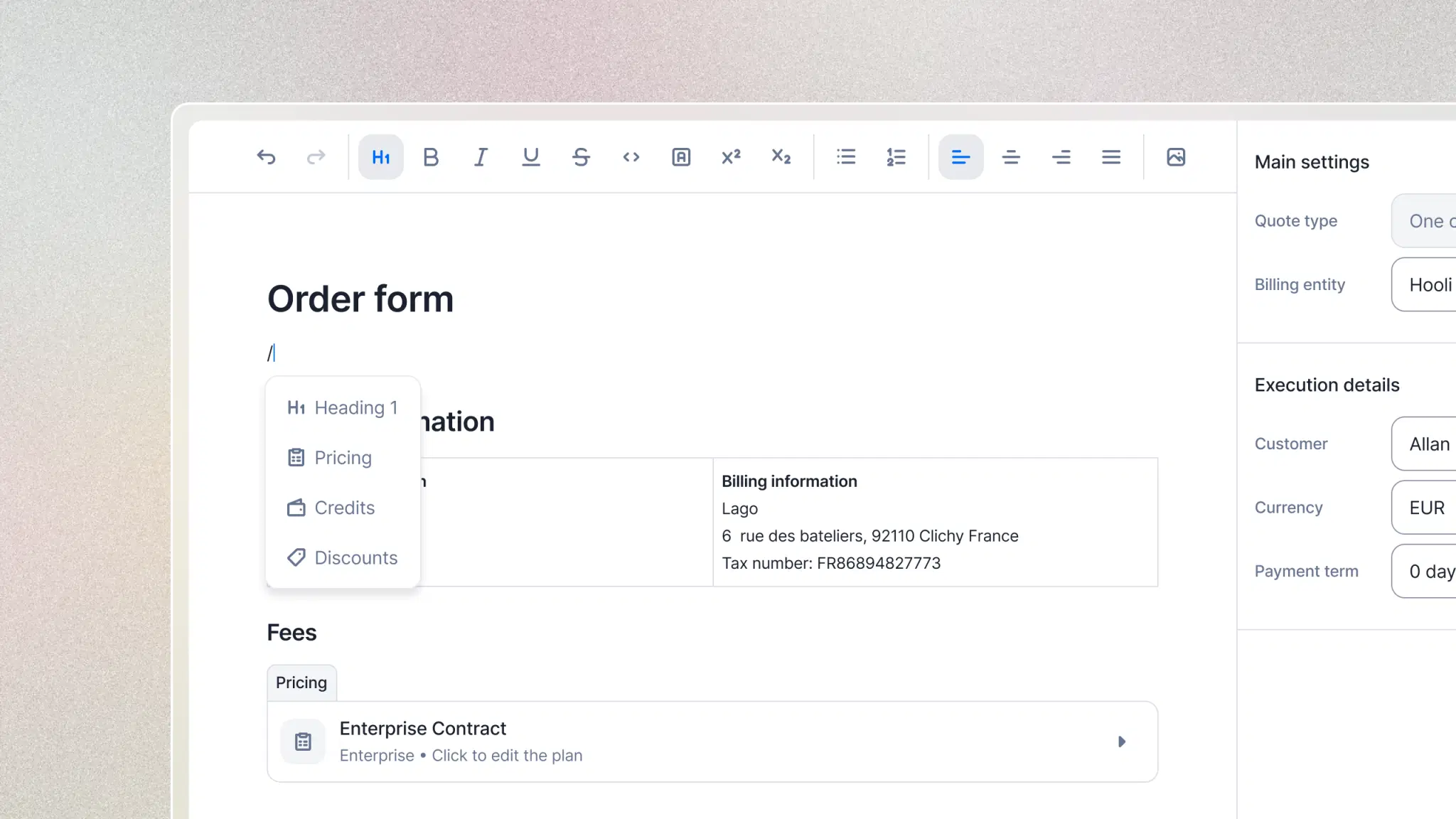
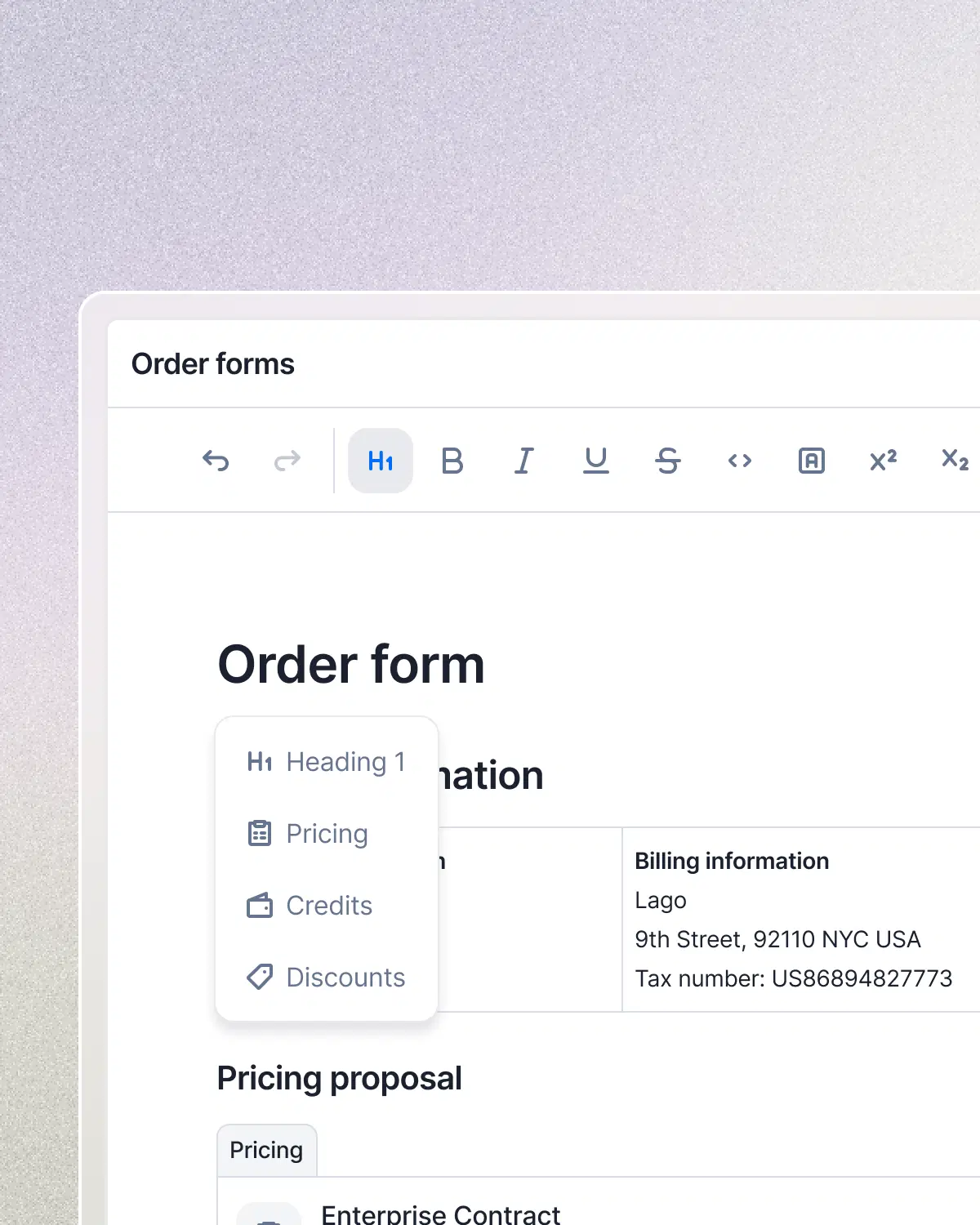
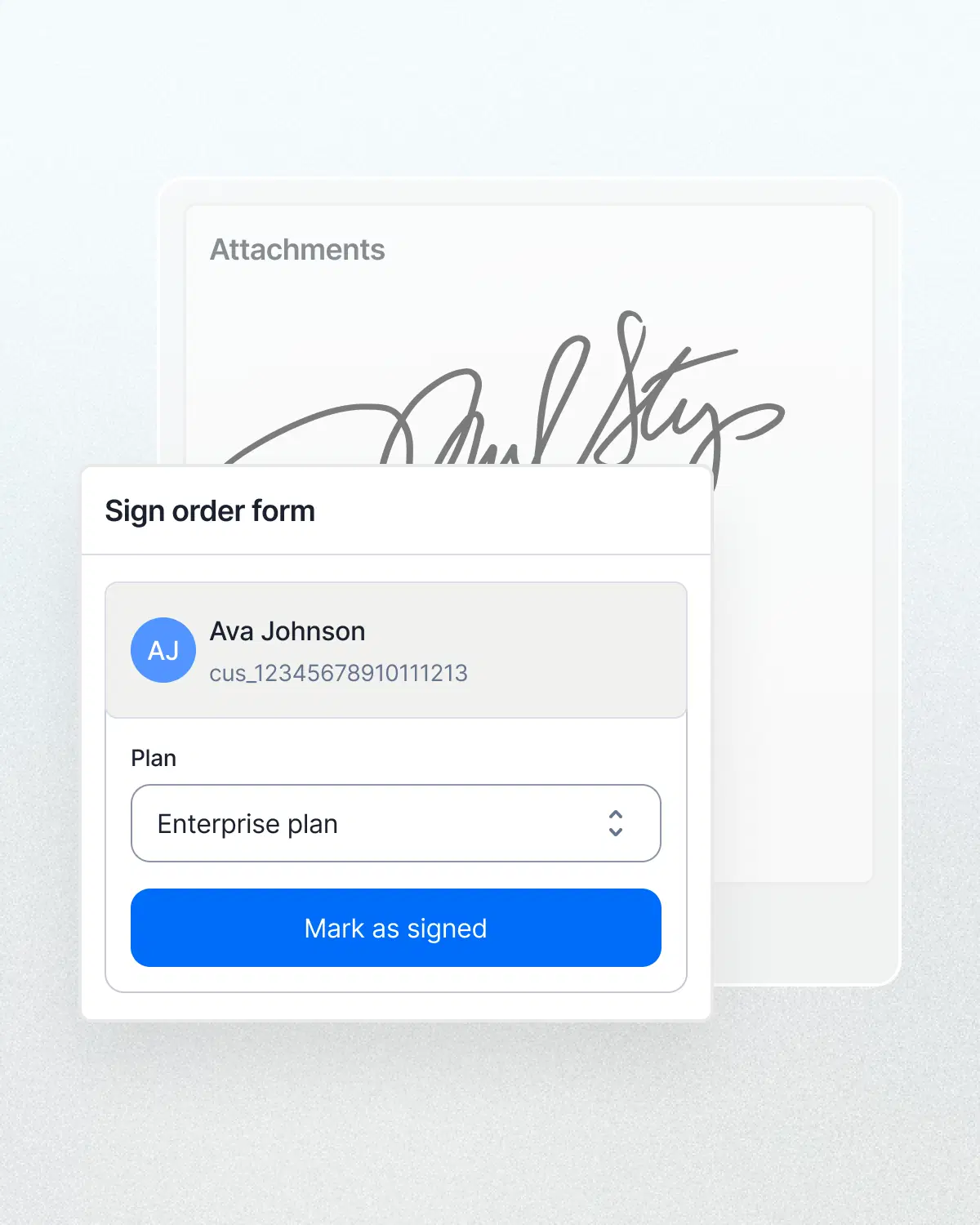
 In the Lago quote editor, an order form for Acme Corp lists the contact and billing information. Under the Pricing proposal heading, two paragraphs describe the 12-month Enterprise subscription and the negotiated rates. Typing a slash opens a command menu with Heading 1, Pricing, Credits, and Discounts. Choosing Pricing inserts the Enterprise Contract plan block. The settings panel shows the quote type, billing entity, customer, currency, and payment term, with Download PDF and Approve quote actions. The screen then changes to the quote’s versions: the details card lists the number, customer, quote type, and owners, and the version history gains a new draft, v3, above the voided v2 and v1. The customer then signs the order form: a handwritten signature appears under Attachments and the Mark as signed button confirms it.
Sales negotiates in Lago.
Finance gets the signed terms as the billing setup.
Start from a plan you already bill on and negotiate away from it. Per-unit rates, the subscription fee, the tiers. Only the deltas are saved as overrides.
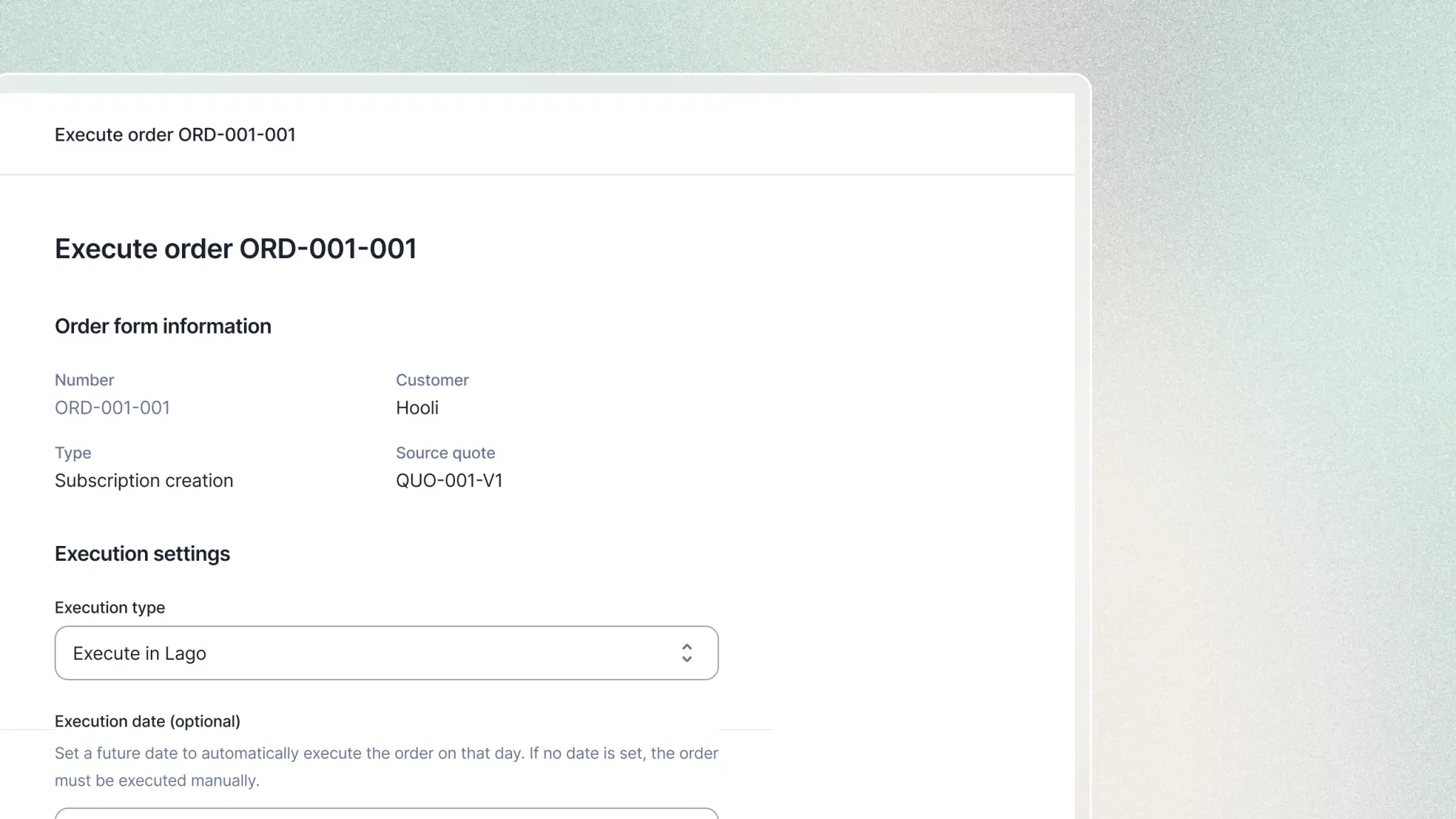
Executing the signed order provisions the subscription on its negotiated plan, applies the coupons and funds the wallets before the first invoice draws on them.
Each negotiation round is a version. Approval freezes the order form and the values the customer saw. The signed order is the permanent record.
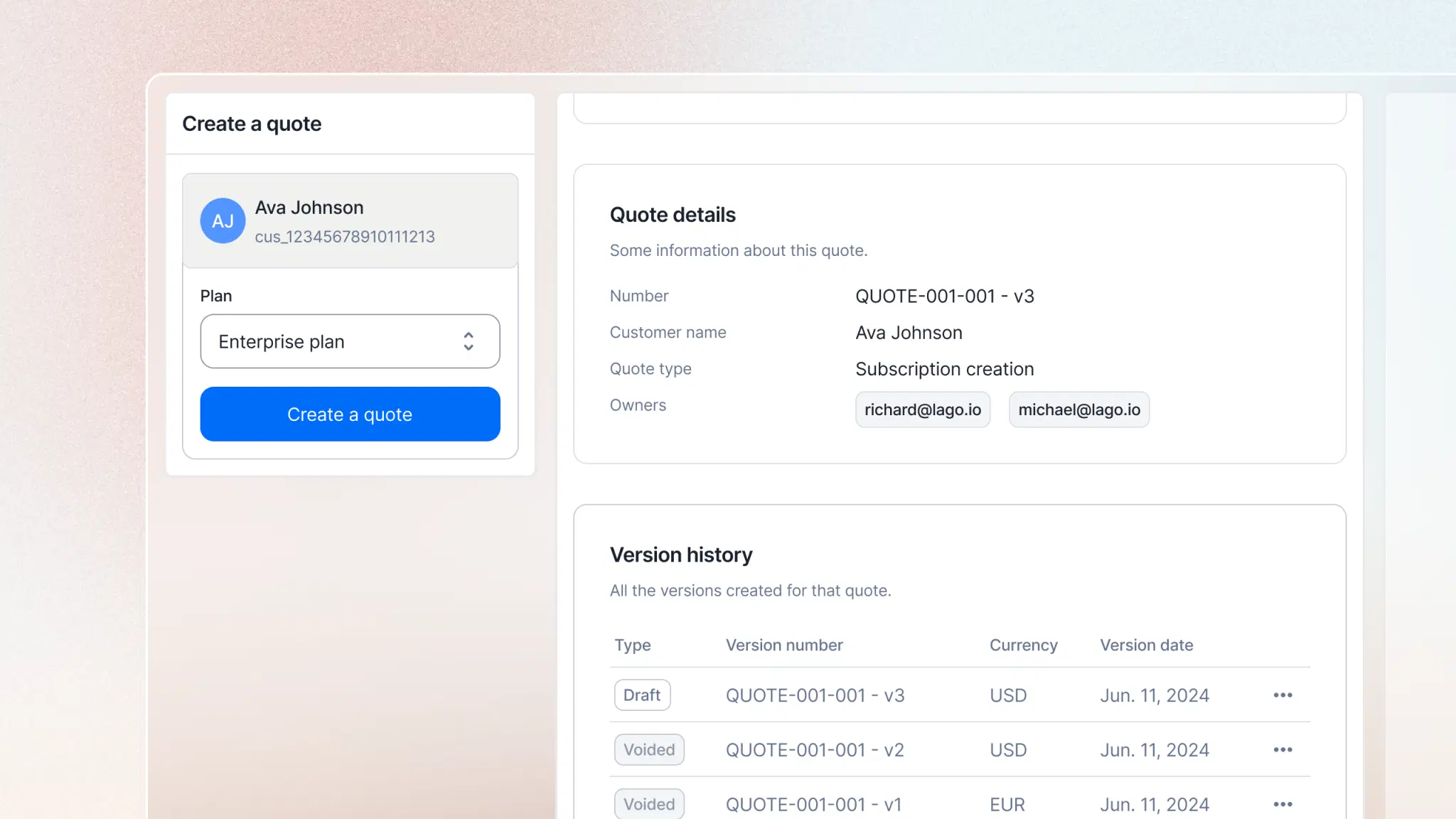
Quote, order form, order, billing. One lifecycle, inside the system that issues the invoice.
Billing is mission-critical. Lago is engineered for the realities of high-volume enterprises.
See how ambitious teams build and scale their billing with Lago.
Frontier AILago has been able to follow the pace of our releases and has allowed us to focus on what we do best.
A quote is the pricing proposal a deal is assembled in, built directly in Lago from your catalog: plans, coupons, prepaid credits and add-ons. It's the internal negotiation document, editable and versioned, and the same configuration is what provisions billing once the deal closes.
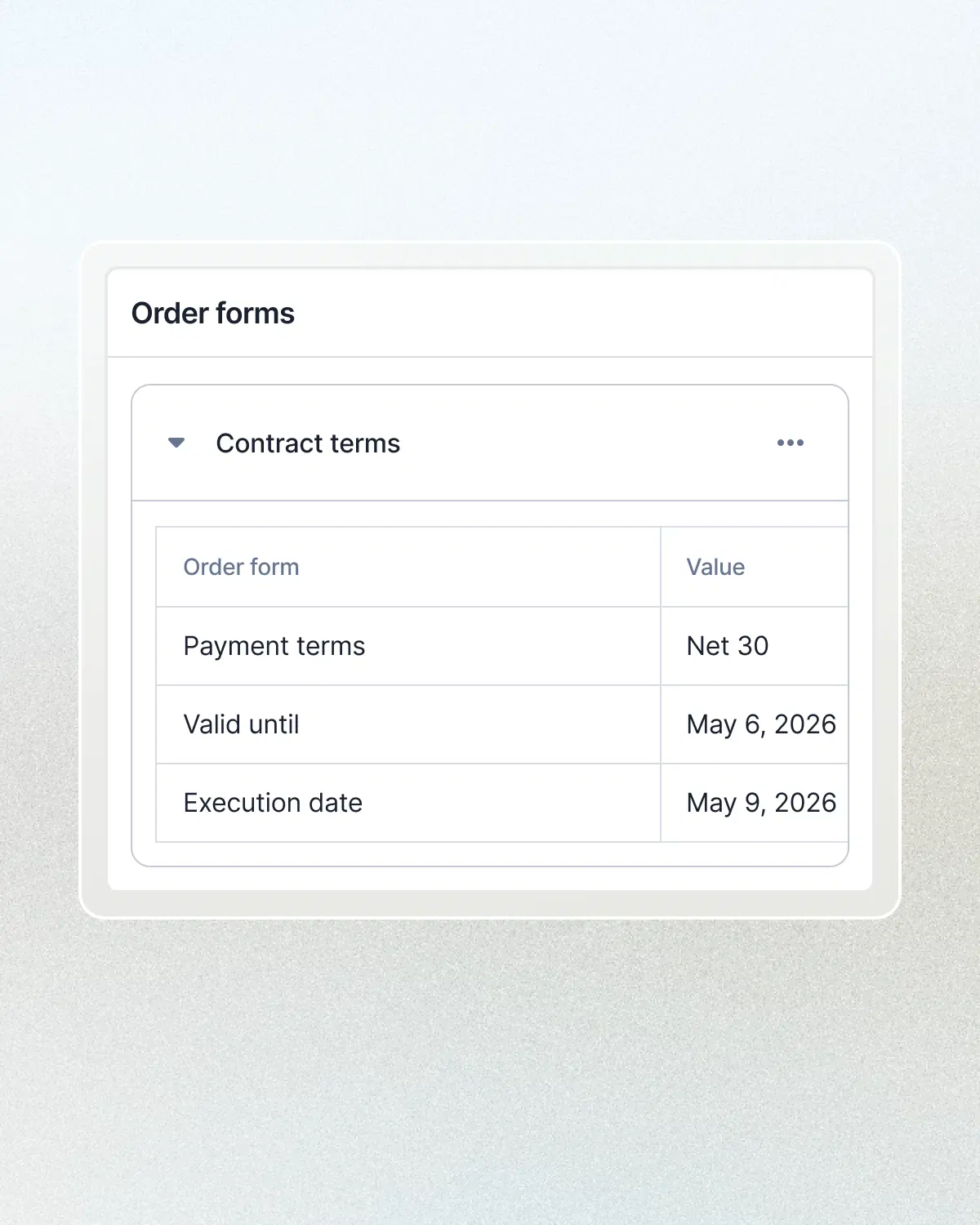
Three documents, each created from the previous one. The quote is the negotiation: editable, one version per round. Approving it generates an order form, which is frozen and gets sent for signature. Marking that order form as signed creates the order, the permanent record of the deal, and executing the order provisions billing.
You start from a plan in your catalog and negotiate away from it. Per-unit rates, the subscription fee and the tiers can be overridden, and only the deltas are saved as overrides. A subscription quote can also carry a coupon, applied once, recurring or forever, and up to five prepaid credit blocks that fund wallets on execution.
For a subscription quote, execution provisions the subscription on its negotiated plan, applies the coupons and funds the wallets. For a one-off quote, it generates a single invoice. Execution runs once, and if it fails the order moves to a failed status with nothing billed, so it can be run again manually.
No. Approval in Lago is your team's internal sign-off, not a customer-facing one. You download the order form PDF and send it yourself, by email or through a signature tool like DocuSign or Concord. Once it's signed outside Lago, you mark the order form as signed and upload the signed contract.