

From invoice to reconciliation
- Review the invoice. In Invoices, filter by customer, status, issuing date, overdue state, payment status, or billing entity. Open the invoice and compare its subscription, usage fees, tax, discounts, and credits with the agreed terms. Use the invoice preview before issue when the Premium preview endpoint fits your workflow.
- Check collection. A payment-provider integration can initiate payment and update the invoice’s status. Inspect failed or overdue payments in the cash collection reports; payment processing itself happens with the connected provider.
- Export what Finance needs. Export invoices as one row per invoice or one row per fee. Filter before export and reconcile totals by currency and billing period. The analytics overview explains report definitions and update timing; its billing metrics are distinct from revenue recognition.
- Connect accounting. Lago documents NetSuite and Xero integrations, each available on request. QuickBooks uses a community-maintained n8n workflow. Check the data direction, field mapping, availability, and reconciliation method for your chosen system.
- Investigate exceptions. The Finance Assistant (Beta) can answer read-only questions in the Lago app or through the Lago MCP Server in an MCP-compatible client. Review AI-generated figures against the app, export, or API before using them in financial reporting. Access follows the API key’s data scope, so control who can use the assistant.
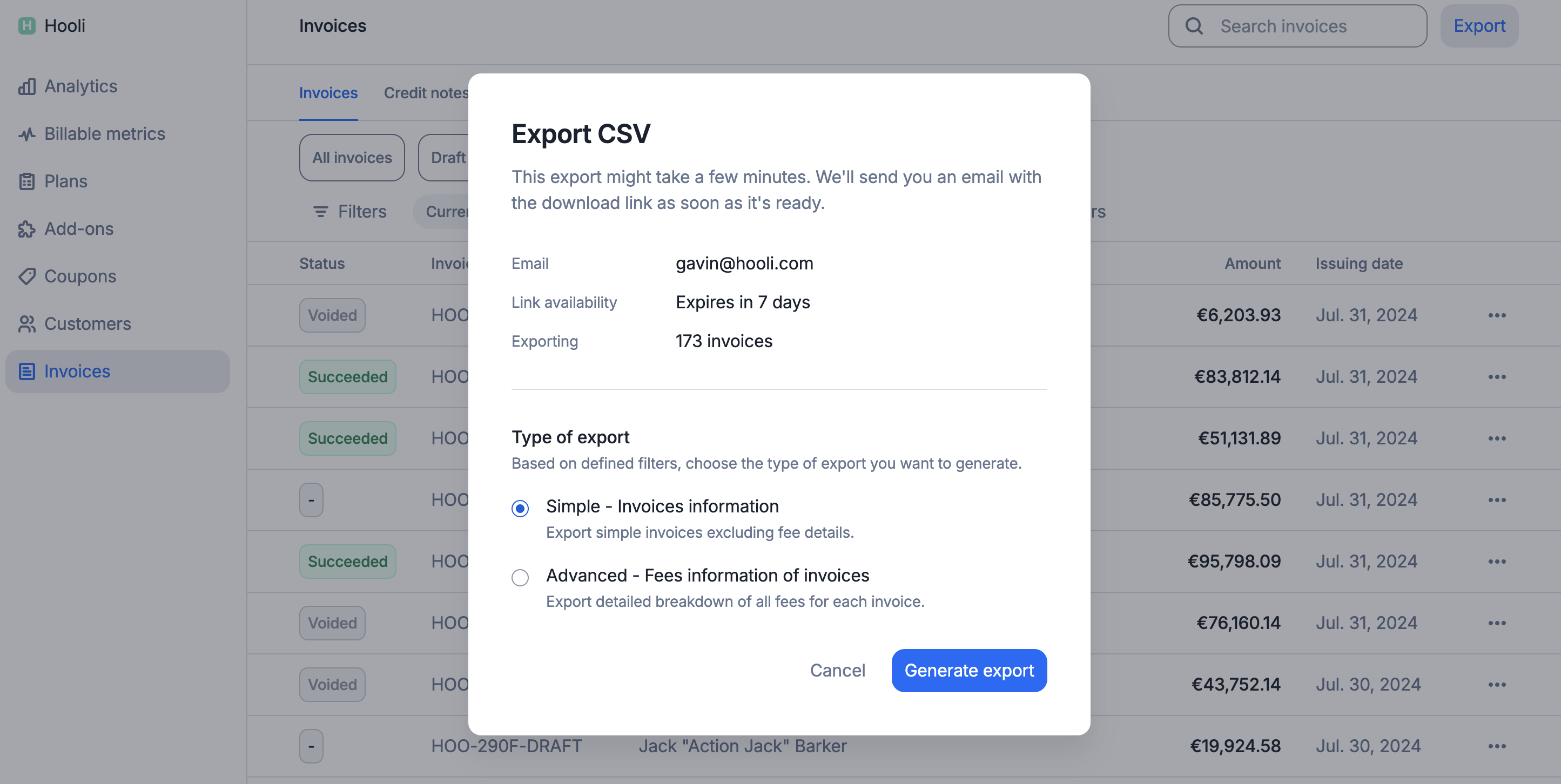
Filter and export invoices in Lago