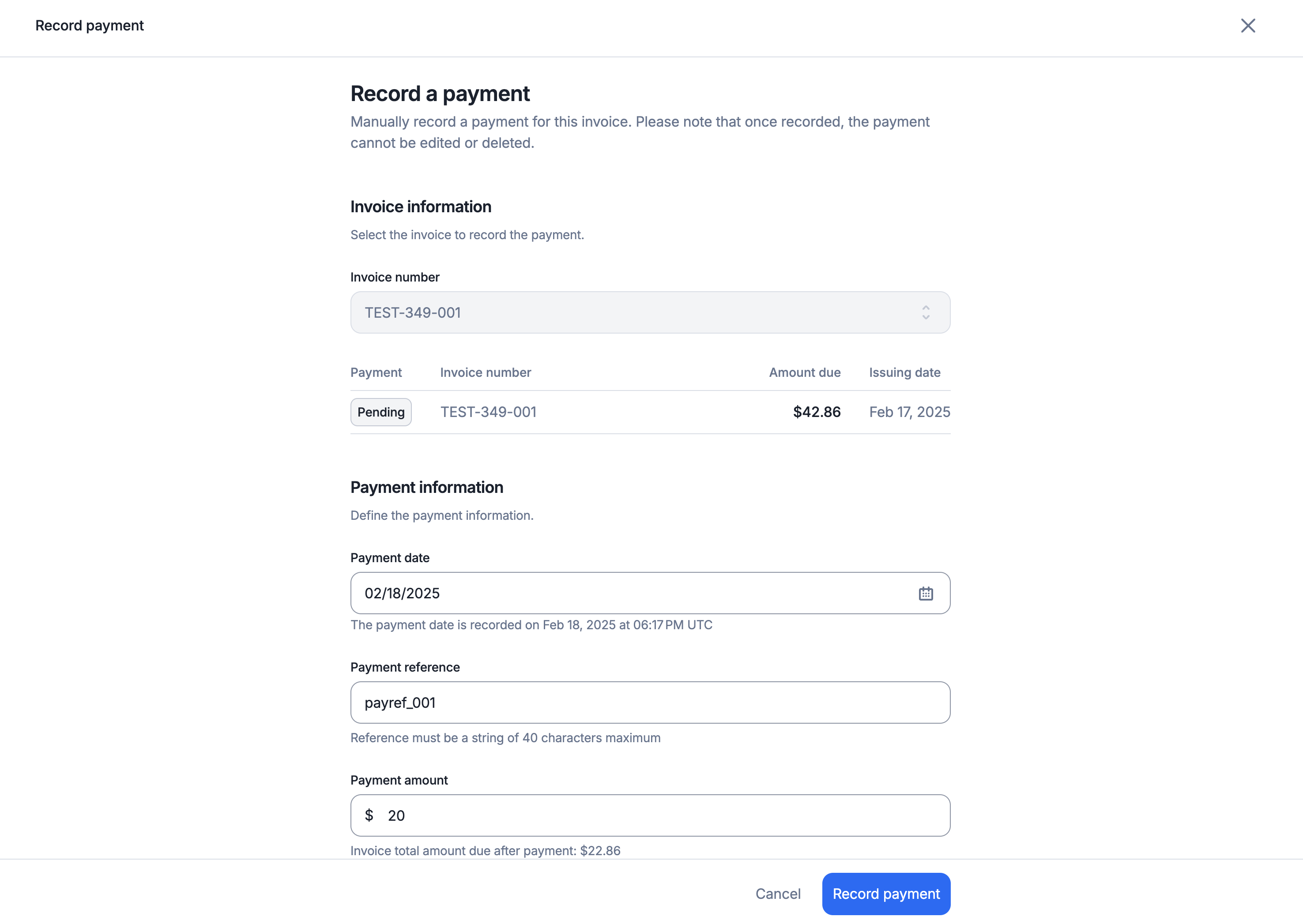
On top of our native integrations with leading payment providers, you can also record manual payments.
For manual or non-Lago-native payment methods, you can record payments via the API or UI.
You can record partial and full payments. The payment status of an invoice only turns to succeeded once the invoice is fully settled.Every manual payment needs a reference, such as a bank transfer or cheque number, of 40 characters at most.